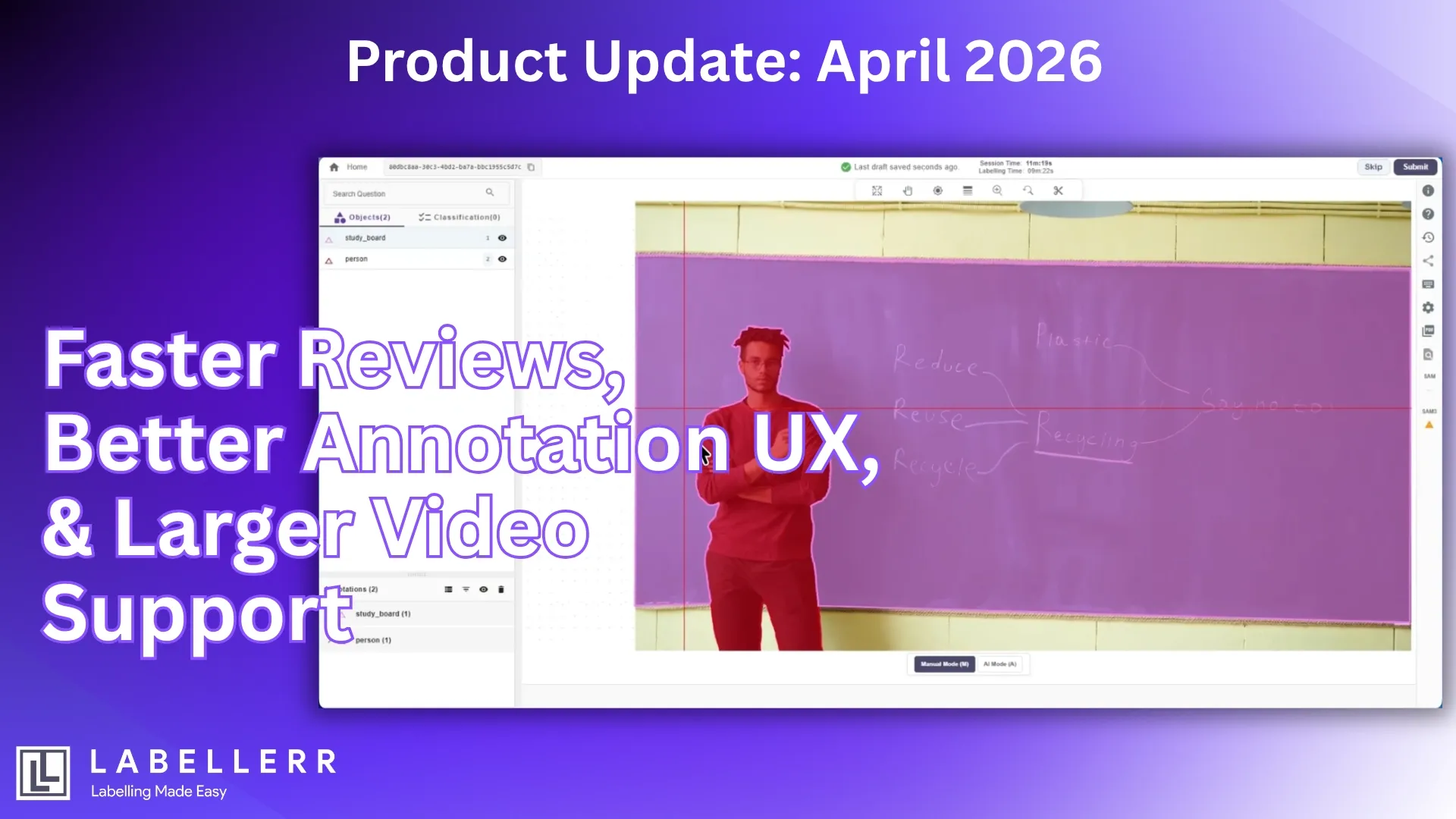
Product Update : April 2026

At Labellerr, we continue improving annotation workflows to help AI teams work faster, maintain quality, and scale operations more efficiently.
This latest update introduces improvements across annotation precision, review workflows, usability, and video handling.
Here’s what’s new.
Auto-Bordering for Overlapping Annotations
Handling overlapping objects is a common challenge in computer vision annotation workflows, especially in dense industrial or manufacturing datasets.
With this update, overlapping annotations can now share common annotation points during auto-bordering.
Previously, annotators often had to manually create separate bordering points even when objects shared boundaries. The new enhancement reduces repetitive adjustments and helps create cleaner polygon annotations.
Benefits
- Faster polygon annotation workflows
- Better boundary consistency
- Reduced manual correction effort
- Improved accuracy in dense scenes
Accept or Reject Files Directly from View Mode
Admins can now accept or reject files directly from view mode without switching between interfaces.
This simplifies the review process and helps teams manage large annotation projects more efficiently.
Instead of navigating across multiple workflow stages, reviewers can now make validation decisions while reviewing the file itself.
Benefits
- Faster QA workflows
- Reduced navigation overhead
- Improved review efficiency
- Smoother project management at scale
This enhancement is especially valuable for enterprise annotation operations handling large datasets and rapid review cycles.
Edit Files in View Mode
View mode now also supports direct editing and annotation.
Users can make corrections or update annotations without leaving the review interface, creating a more seamless workflow experience.
This reduces interruptions during QA and speeds up annotation refinement cycles.
Benefits
- Faster annotation corrections
- Reduced workflow switching
- Improved reviewer productivity
- Better collaboration between annotation and QA teams
This is especially useful for projects involving iterative reviews and precise annotation adjustments.
Improved UI/UX for Annotation Attributes
We’ve enhanced the experience of adding attributes to annotations.
Users can now continue interacting with the image while selecting attributes, making the workflow smoother and less disruptive.
This helps annotators maintain visual focus during complex labeling tasks.
Benefits
- Better annotation flow
- Reduced interruptions
- Faster attribute assignment
- Improved usability for complex datasets
The update is especially useful for multi-attribute and fine-grained annotation workflows.
Support for Larger Video Files in Annotation Projects
Annotation projects now support video uploads between 100MB and 500MB.
This allows teams to work with larger and more realistic video datasets without excessive preprocessing or file splitting.
Benefits
- Support for longer video sequences
- Better context preservation across frames
- Reduced preprocessing effort
- Improved support for enterprise video workflows
Building Better Annotation Workflows
These updates are designed to improve efficiency, usability, and scalability across enterprise annotation pipelines.
From smarter overlapping annotations and streamlined review actions to improved attribute workflows and expanded video support, each enhancement focuses on reducing operational friction while maintaining annotation quality.
At Labellerr, we’ll continue building tools that help AI teams manage complex data annotation workflows with greater speed and precision.

Simplify Your Data Annotation Workflow With Proven Strategies
.png)