
9 Best Image Labeling & Annotation Tools 2026
Struggling with manual image labeling? Discover the 9 best image annotation tools that automate workflows, improve accuracy, and accelerate AI model training with powerful features and scalable solutions.

Are you frustrated by the endless task of manually labeling thousands of images?
The hours seem to stretch on forever as you scrutinize each image, trying to get every tag just right, knowing that one wrong move could mess up your entire analysis.
It’s a real headache.
But what if you didn’t have to go through all that?
Imagine a dedicated image labeling tool that could take this burden off your shoulders, automating the labeling process and ensuring accuracy without the hassle.
That’s where Image Labeling and Annotation tools come into play.
Whether you're a tech company training AI models, an autonomous vehicle developer refining self-driving capabilities, or a healthcare provider aiming to enhance diagnostic accuracy, these tools are game-changers.
But with so many options available, finding the right one can be overwhelming.
Based on customer ratings, feedback from various review sites, and an in-depth analysis by our expert technical team, we've compiled a list of the 11 most popular image labeling and annotation tools available today.
This list includes detailed insights into each tool's key features, pros, cons, and pricing information to help you make an informed choice.
Table of Contents
- Introduction to Image Annotation and Labeling Tools
- Key Features of Effective Image Annotation Tools
- In-Depth Review of Leading Annotation Tools
- Labellerr
- CVAT
- Labelbox
- V7 Labs
- Dataturks
- Hasty.ai
- Roboflow
- SuperAnnotate
- Encord
- How do Image Annotation Tools Improve Efficiency?
- Conclusion
- Frequently Asked Questions
Introduction to Image Annotation and Labeling Tools
The process of labeling images to develop AI and machine learning models is known as image annotation.
It includes utilizing image annotation software or a specialized labeling platform with human annotators to label data, for example by giving appropriate classes to various items in an image.
A machine learning method, often called training a model, uses the produced data -also known as structured data, for its learning process.
Here's a brief overview of how image annotation works:
- Manual Annotation: Images are manually labeled, sometimes with computer assistance.
- Labeling Classes: Predefined labels or "classes" are set by a machine learning engineer.
- Providing Information: Image-specific details are fed into the computer vision model.
- Model Training: The model learns from the annotated data.
- Model Deployment: The trained model identifies these features in new, unlabeled images.
While the specifications for various image annotation projects can range significantly, the fundamental elements of every successful annotation project are a wide variety of data, skilled annotators, and an appropriate annotation platform.
There are several powerful image labeling tools that facilitate the annotation process and offer systematic labeling.
Want to know more about Image Annotation? check out our blog.
What makes a modern image annotation tool effective? Let's discuss the key features.
Why choose the right image annotation tool?
Because data quality directly impacts model performance. A recent study shows that improving annotation quality by 20% can boost model accuracy by up to 35%. Labellerr's image annotation tool ensures pixel-perfect labeling with built-in quality checks at every stage.
Key Features of Effective Image Annotation Tools
- Efficient User Interface: A tool's user interface should be efficient in order to minimize human errors and allow quick labeling.
- Intuitive design: An intuitive online picture annotation tool is made to function rapidly, even on PCs and laptops with less powerful hardware.
Both are essential for labelers who spend their days working in an annotation editor. - Support for Various Data Formats and Use Cases: The annotation tool needs to handle various use cases for picture annotation.
- Support for Multiple Annotation Types: A decent image annotation tool should have features like a bounding box annotation tool, auto-labeling, and a pen tool for freehand image segmentation.
- Interpolation: Some image annotation tools contain a feature called interpolation that enables the annotator to mark one frame before pushing the annotation ahead or backward in time by skipping to a subsequent frame.
- QA/QC Capabilities: To guarantee the correctness of the annotations, the tool has to include quality assurance and quality control features.
- Data Management: The image annotation tool should provide capabilities for arranging and managing sizable datasets.
- Integration with the Pipeline for Machine Learning: The tool should be able to integrate with the pipeline for machine learning.
- Customer Service: The product should provide excellent customer service to assist users with any problems they may experience.
Another helpful feature to look for in modern image labeling tools is an image size detector. This tool automatically checks the dimensions of each image to make sure annotations fit perfectly. It helps avoid errors caused by incorrect image scaling and ensures consistent labeling across your dataset. Using an image size detector can save time and improve the quality of your training data, especially when working with large or mixed-size image collections.
In-Depth Review of Leading Annotation Tools
Here is a list of the top 11 image annotation tools that you can use to label images for your model training:
1. Labellerr

Labellerr
Labellerr is the industry's most comprehensive AI-powered image annotation tool designed specifically for computer vision teams. Unlike basic annotation platforms, Labellerr combines automated labeling with human expertise to deliver 99.8% annotation accuracy.
Our image annotation tool handles every aspect of the labeling pipeline:
- One-click automated annotations
- Custom workflows for any annotation project size
- Enterprise-grade security with HIPAA and GDPR compliance
- Real-time collaboration across annotation teams
- QA to catch labeling errors before they impact your models
Top Features:
- AI-powered object detection with 95% accuracy
- One-click image classification
- Multi-label classification for complex datasets
- Automated semantic segmentation (80% faster than manual)
- Instance segmentation with boundary precision
- Panoptic segmentation support
- Advanced pose estimation
- Text recognition in images
Pros:
- ROI-focused: Cut annotation costs by up to 40%
- Speed: Process 10,000 images in days, not weeks
- Feature-rich segmentation with pixel-perfect results
- Auto-labeling with SAM and proprietary active learning
- Dedicated professional annotation team for large projects
- Custom SLA with guaranteed turnaround times
- 24/7 enterprise support with 1-hour response time
- Industry-leading QA process with 99.8% accuracy
- Data privacy with military-grade security
- Flexible pricing to match any project budget
Cons
- Limited Format Support: This does not currently support point cloud and 3D data formats.
Pricing
- Pro Plan: Starts at $9,999 per year for 10-user access with 50,000 data credits included. Additional data credits can be purchased at $10 per 1,000 credits, and extra users can be added at $29 USD per user per month.
- Enterprise Plan: Custom pricing for larger teams, including unlimited data credits, unlimited seats, private cloud & on-premise options, dedicated Machine Learning Engineers, enterprise SLA, and SSO support.
Labellerr's advanced image annotation tool cuts labeling time by 80% compared to manual methods. Our AI-powered platform handles everything from simple bounding boxes to complex instance segmentation. Stop wasting resources on outdated annotation methods.
Experience Labellerr's cutting-edge Auto Label Data feature in action by watching this video demonstration:
Labellerr Auto label Feature
One of the few annotation tools that got mentioned in the IBM Research paper submitted at NeurIPS 2020 was published in Journal of Machine Learning Research.
Download the report.
G2 review Labellerr
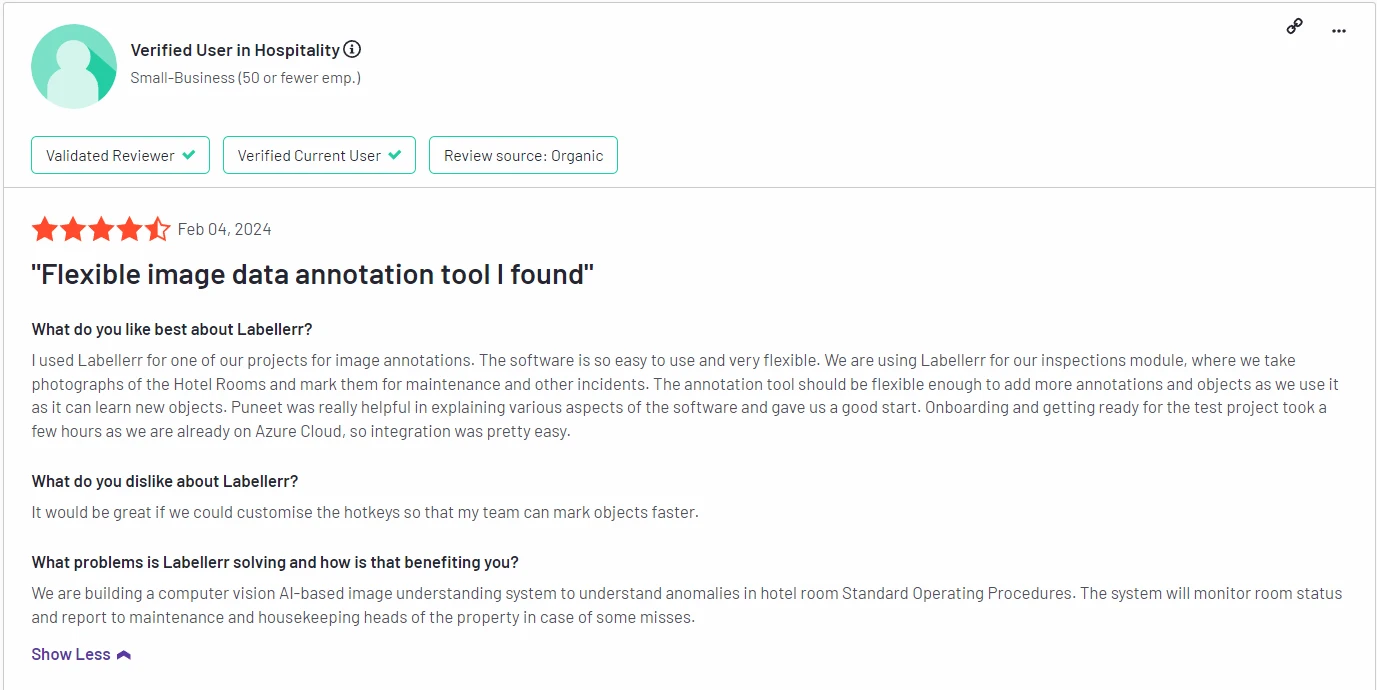
G2 review 4.8 out of 5. Check the detailed review here.
2. CVAT
CVAT

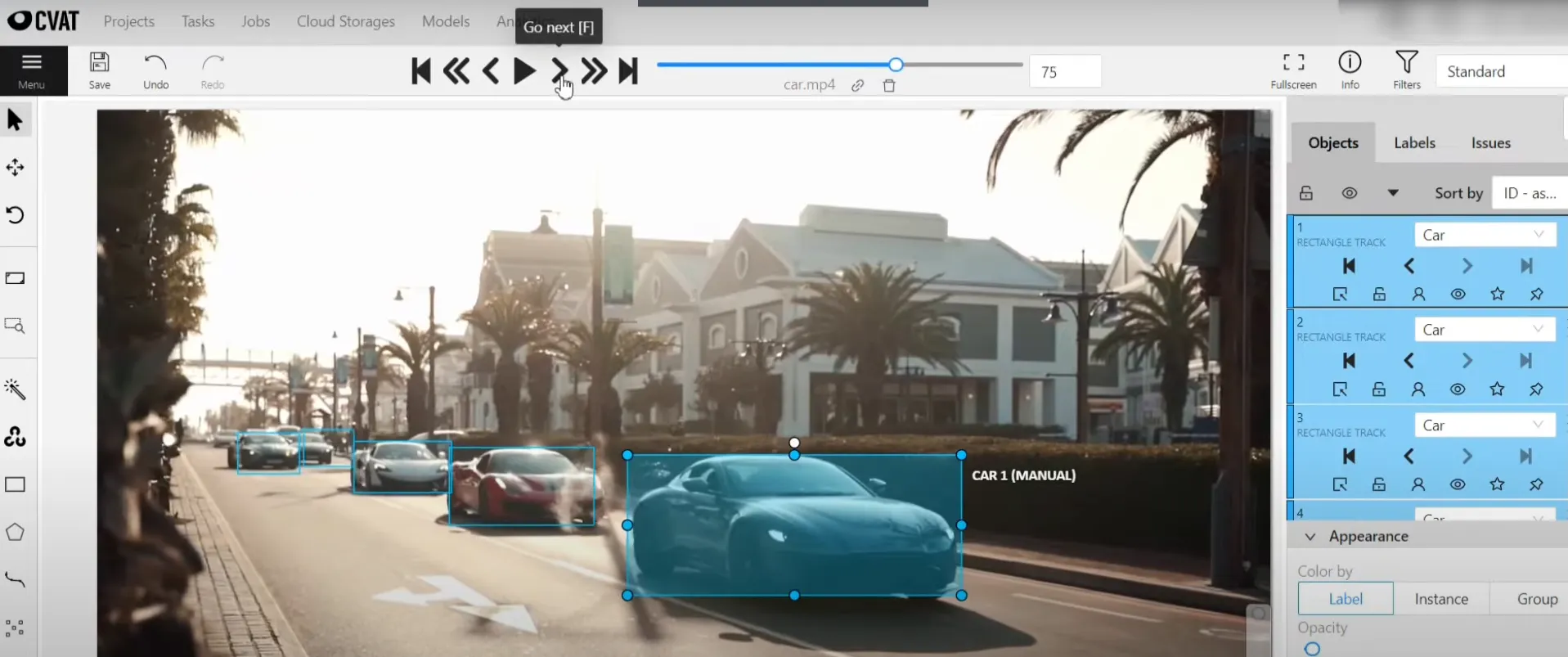
Computer Vision Annotation Tool (CVAT) is an open-source image annotation tool that offers a range of annotation types, including bounding boxes, polygons, and segmentation. It also supports collaborative annotation and quality control.
CVAT Tool
Top Features
- Image Classification.
- Object Detection.
- Semantic and Instance Segmentation.
- Point Clouds / LIDAR.
Pros
- Cloud-Based Services
- Customer Support
- Customization
Cons
- Performance Issues
- Annotation Issues
- Complexity
- Integration Issues
- Poor Usability
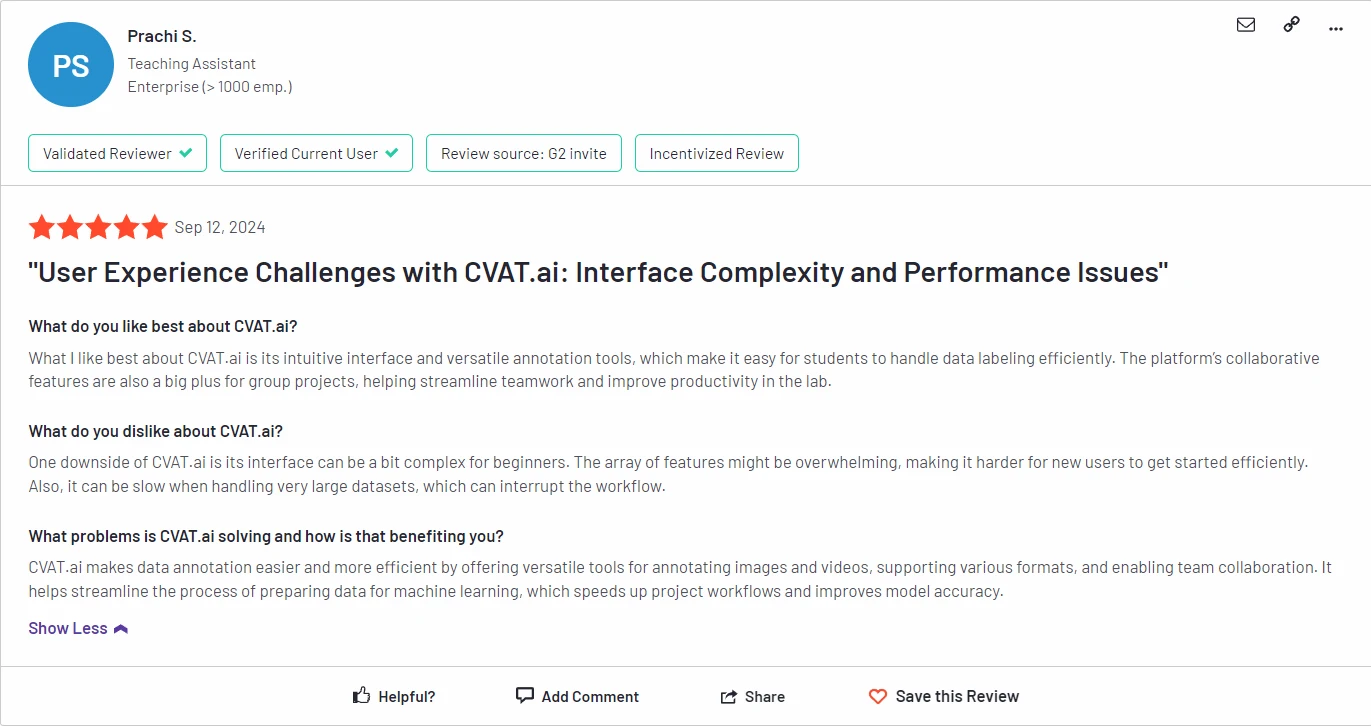
G2 review 4.5 out of 5. Check the detailed review here.
3. Labelbox
Labelbox

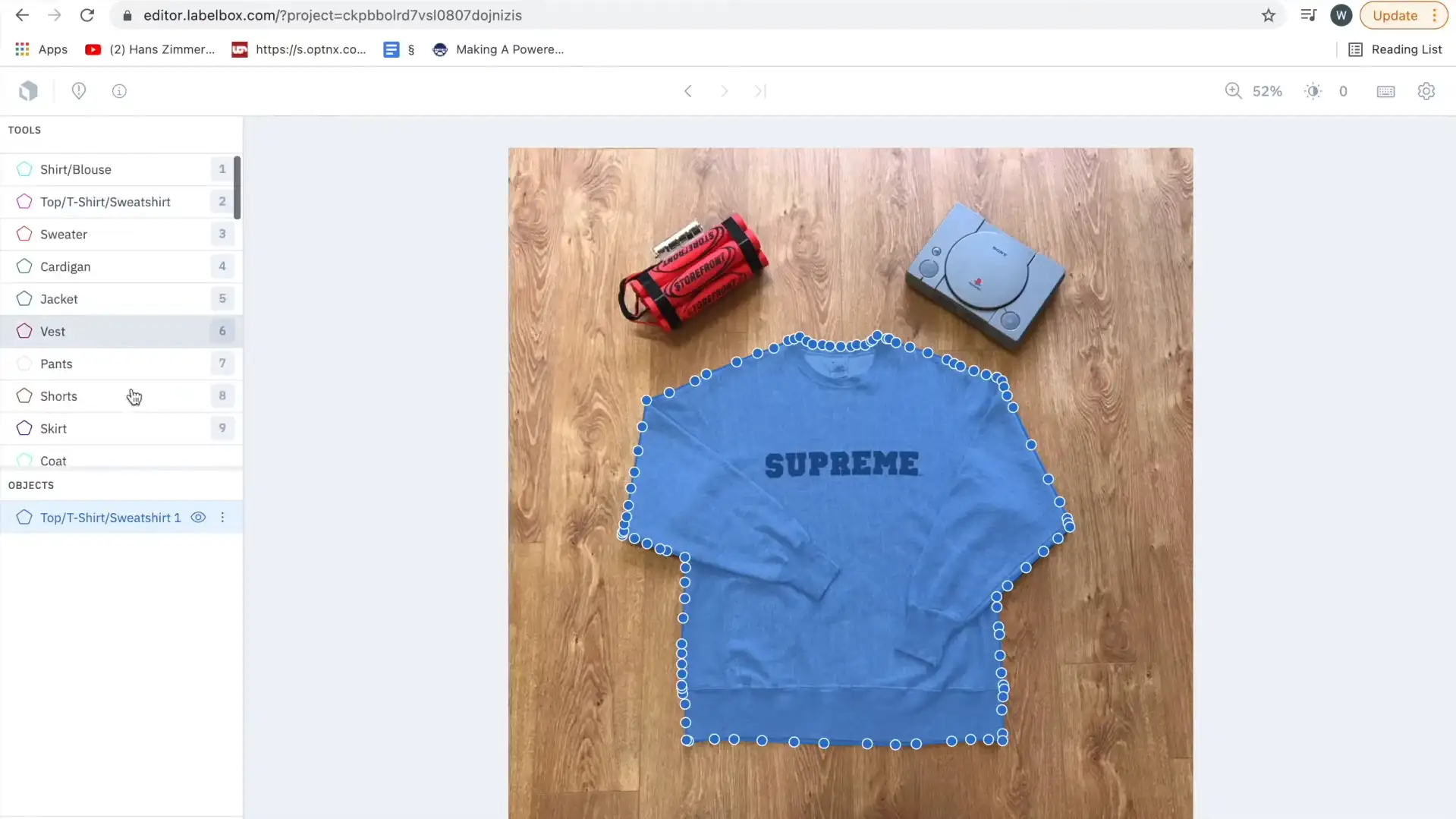
Labelbox is an image annotation platform that offers a range of annotation tools, including bounding boxes, polygons, and semantic segmentation. It also has built-in quality control features to ensure accurate annotations.
Labelbox also provides features for collaboration and quality control, such as team management, annotation review, and consensus labeling.
With Labelbox, teams can accelerate the development of their AI models and improve their accuracy and performance.
labelbox_tool
Top Features
- Quality
- Automation
- Image Annotation
- Natural Language Annotation
- Speech Annotation
Pros
- Ease of Use
- Data Management and Handling
- Easy Integrations
Cons
- Buggy Performance
- Functionality Limitations
- Lack of Guidance
- Lack of Tools
Pricing: Starts at $166.6 per month for teams custom plans available based on requirements.
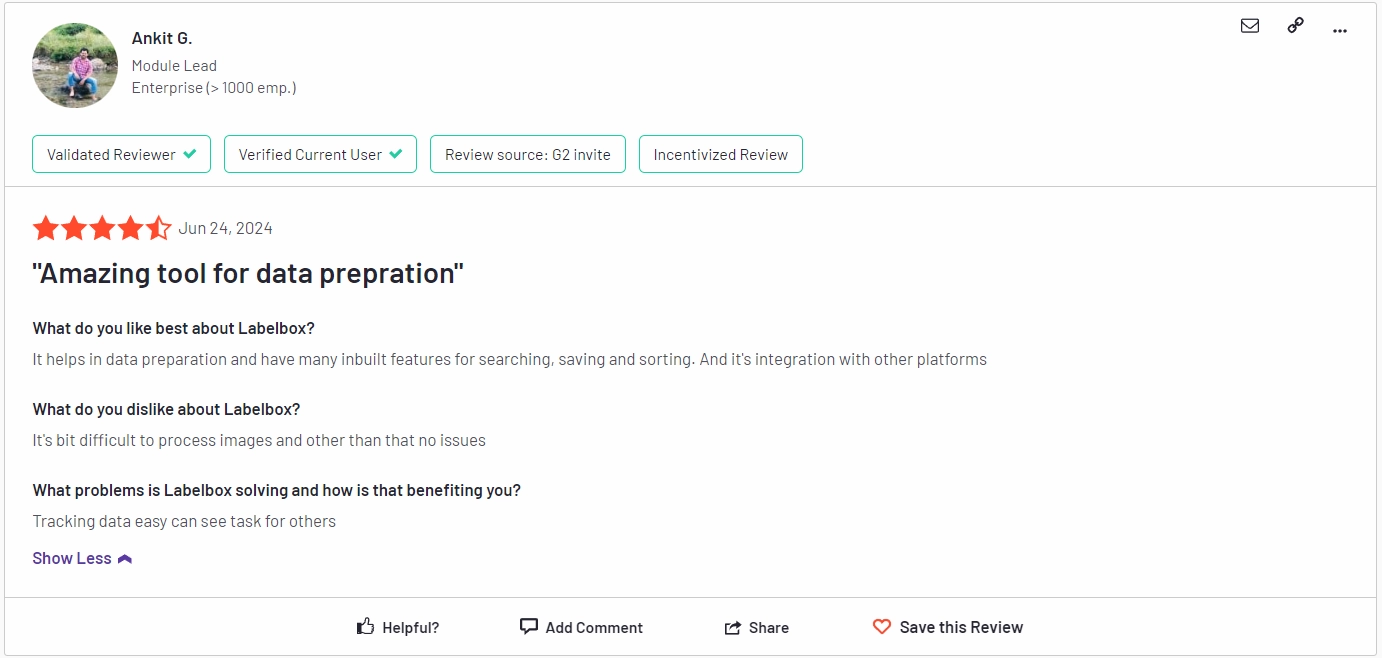
G2 review 4.7 out of 5. Check the detailed review here.
4. V7 Labs

V7 Labs

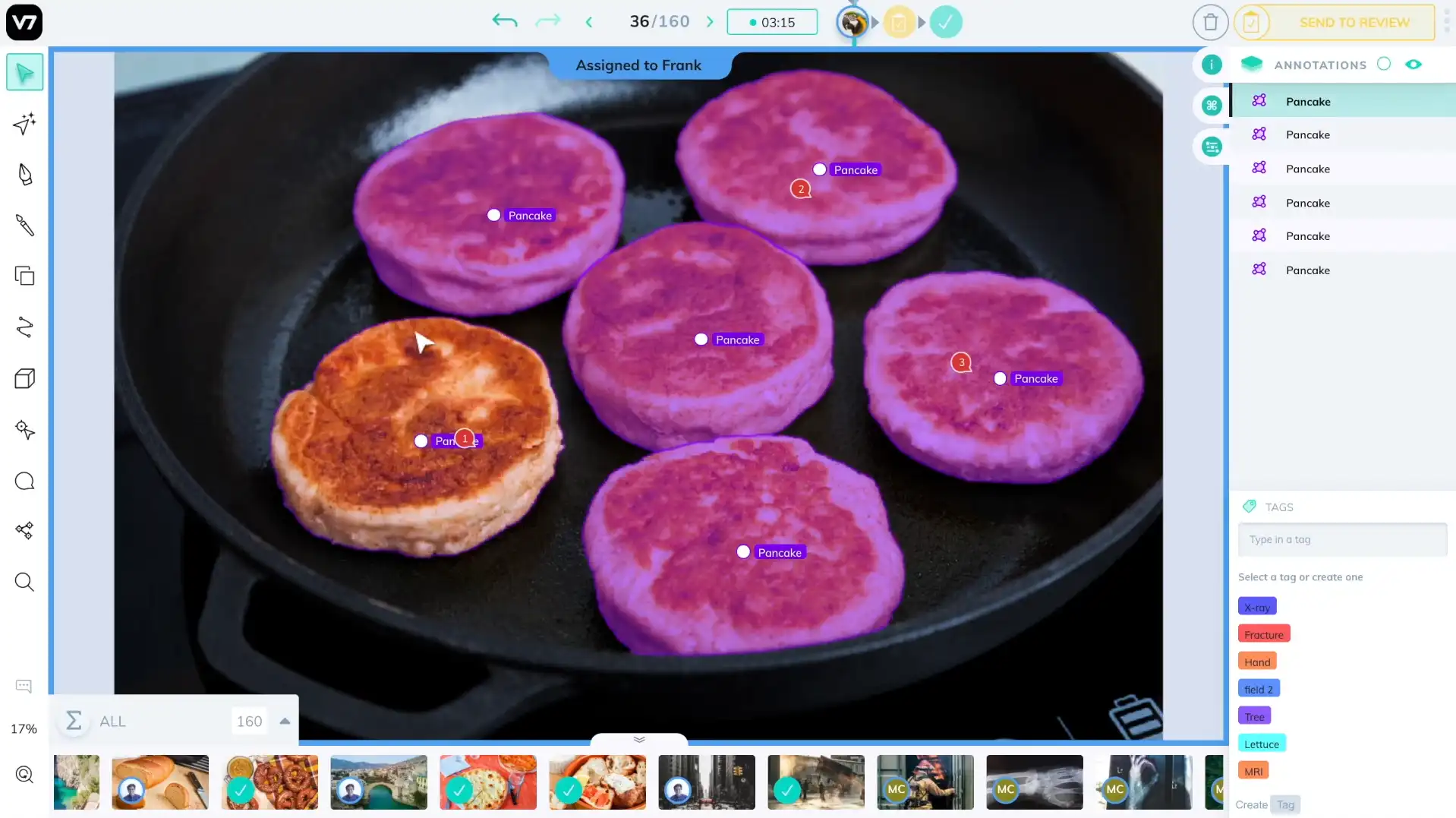
V7 Labs is a software development company that focuses on creating cutting-edge solutions using artificial intelligence and machine learning.
They specialize in developing computer vision and natural language processing technologies to solve complex problems in various industries, including healthcare, finance, and e-commerce.
Top Features
- Automatic data labeling, with segmentation tasks and sementic masks
- Intuitive dataset, workflow, and model management for better control over your ML development pipeline.
- Annotation services through official partners with expertise in niche industries.
Pros
- Ease of Use
- Annotation Tools
- Annotation Efficiency
- Data Labeling
Cons
- Missing Features
- Lagging Issues
Pricing: Plans start at $249 per month, with custom pricing for individuals. Check the latest pricing details
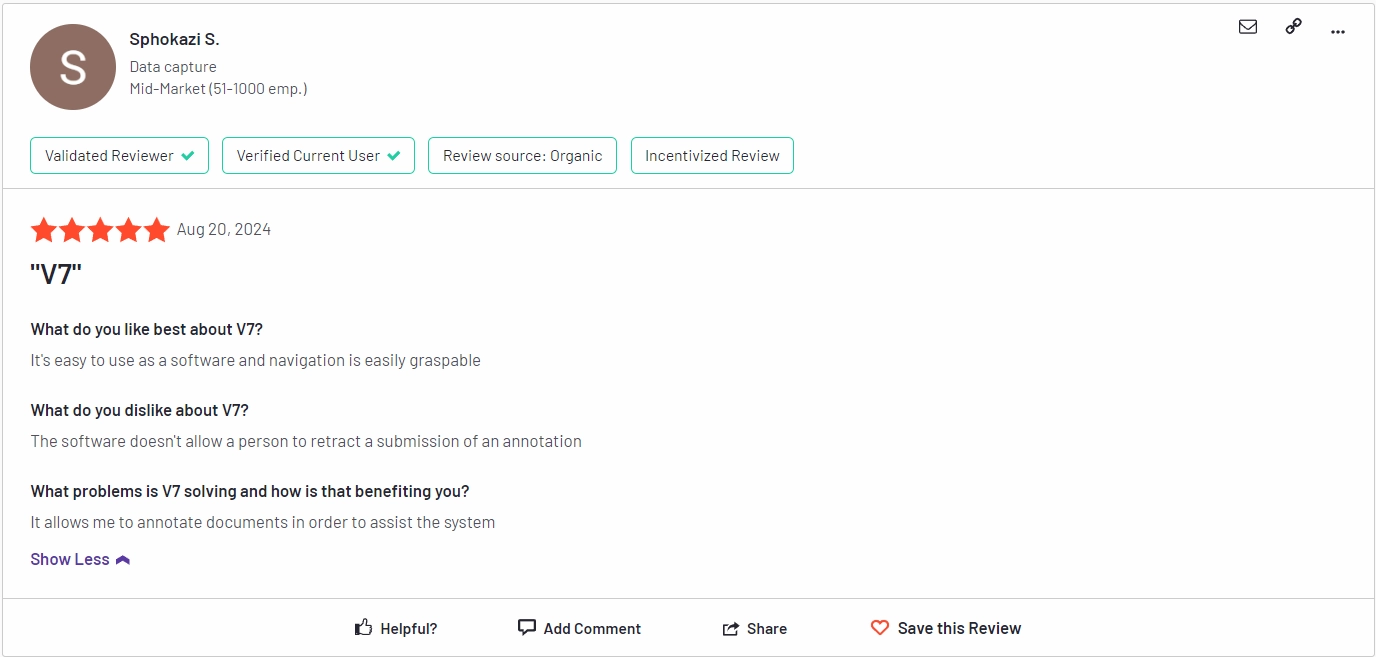
G2 review 4.8 out of 5. Check the detailed review here.
5. Dataturks
Dataturks

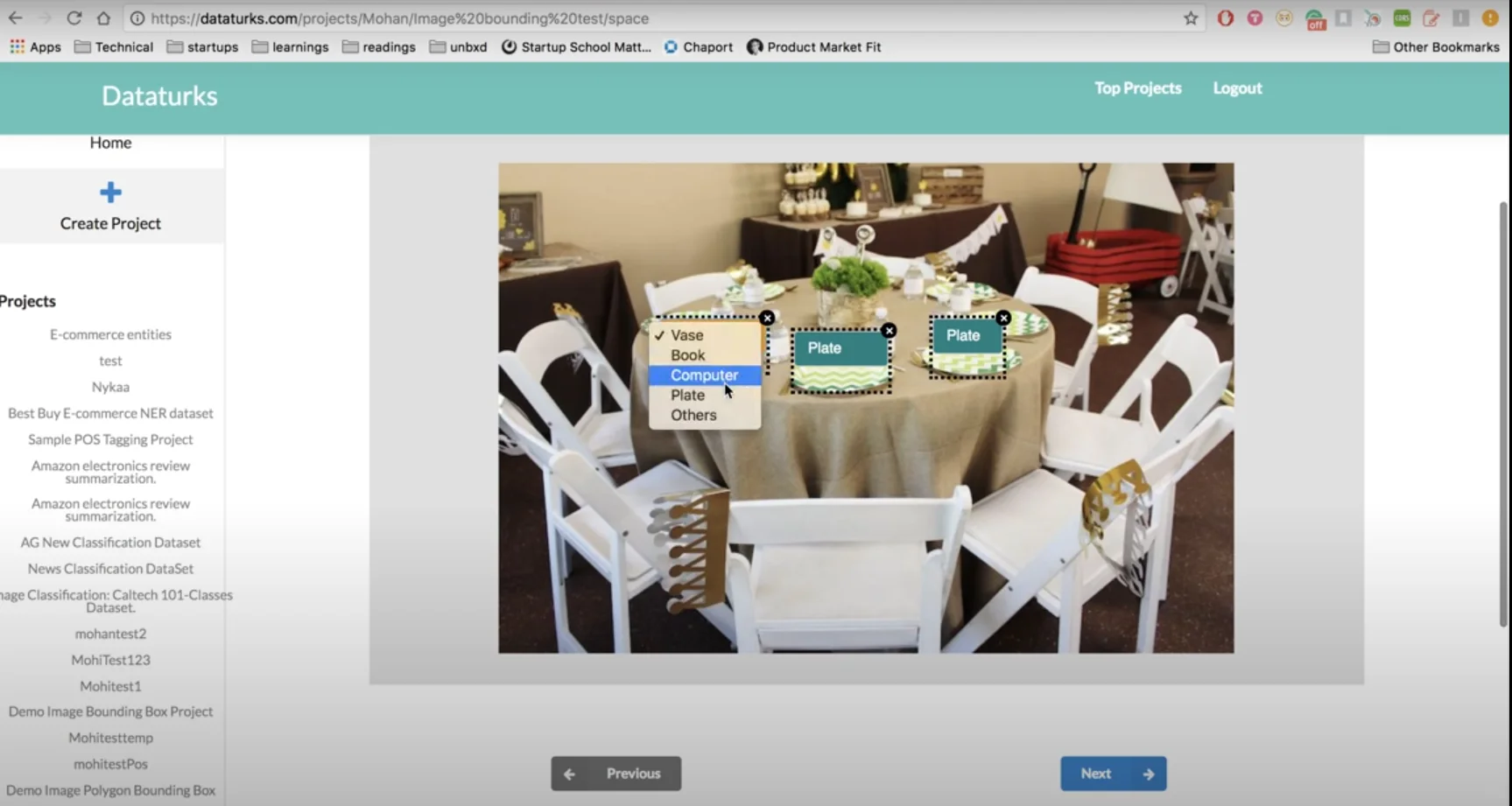
Dataturks is a cloud-based platform for image annotation and data labeling. It offers a range of annotation types, including bounding boxes, polygons, and semantic segmentation. It also has built-in quality control features to ensure accurate annotations.
Dataturks also provides integrations with popular machine learning frameworks such as TensorFlow, PyTorch, and Keras.
Overall, Dataturks aims to make data annotation faster, easier, and more accurate, allowing ML teams to focus on building better models.
Top features
- Image Annotation
- Text Annotation
- Video Annotation
- Audio Annotation
Pros
- Easy to set up
- Keyboard Shortcuts
- API integration
Cons
- No polygon labeling tool
Pricing: Free tier available; paid plans start at $50 per month for additional features.
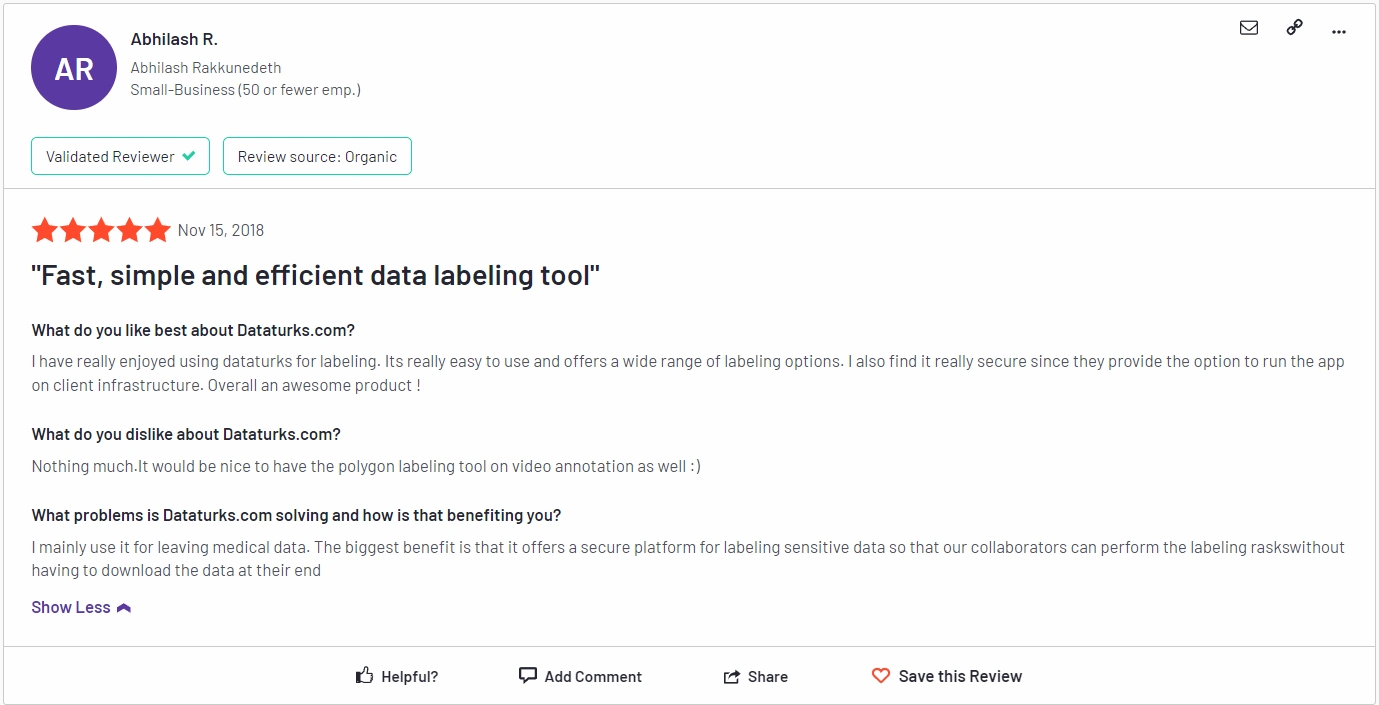
G2 review 5 out of 5. Check the detailed review here.
6. Hasty.ai
Hasty ai
Image Source
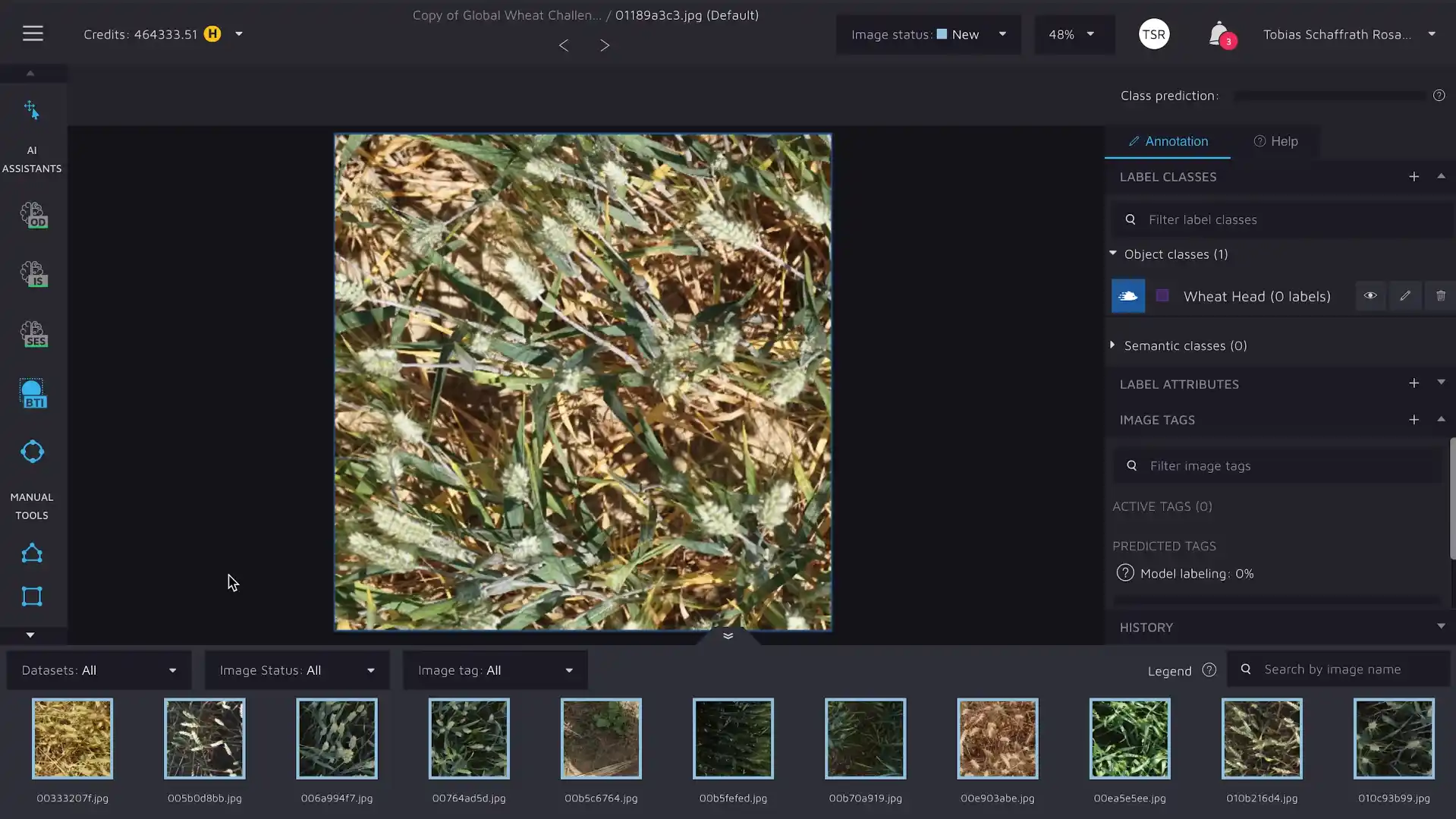
Hasty.ai is a platform for data labeling and annotation that uses AI to assist in the annotation process. It offers a range of annotation types, including bounding boxes, polygons, and semantic segmentation.
Pros
- Annotation Efficiency
- Data Access
- Time-saving
Cons
- Expensive
Pricing: Starts at $297 per month for essential 30k; custom pricing for teams.
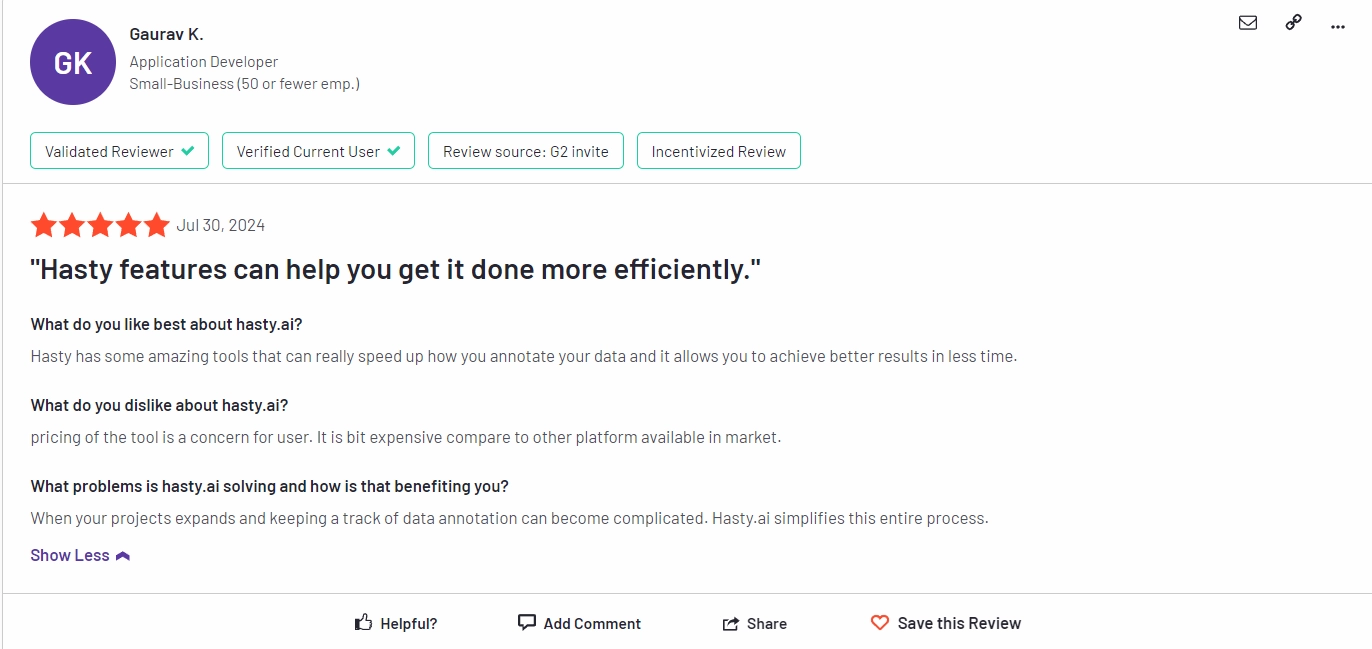
G2 review 4.4 out of 5. Check the detailed review here.
7. Roboflow

Roboflow is a cloud-based platform for data labeling and annotation. It offers a range of annotation types, including bounding boxes, polygons, and semantic segmentation. It also has built-in quality control features to ensure accurate annotations.
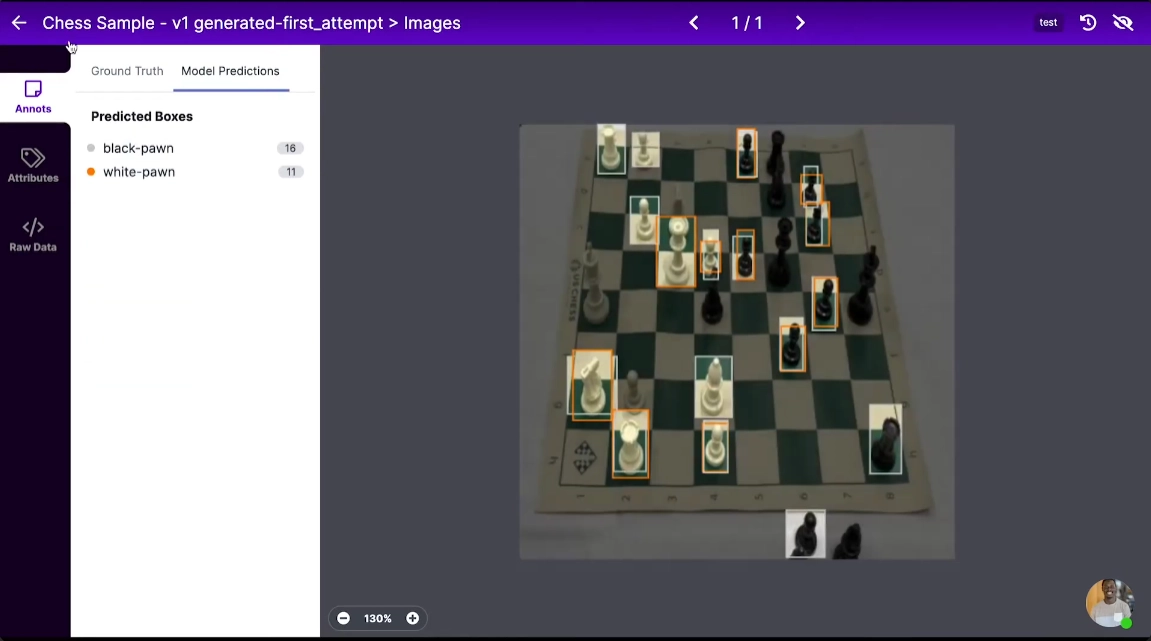
roboflow_tool_overview
Pros
- Customer Support
- Ease of Use
- Accessibility
- Efficiency
Cons
- Data Limitations
- Inefficient Labeling
- Lack of Resources
Pricing: Free tier available; paid plans start at $249 per month. For details check here.

G2 review 4.7 out of 5. Check the detailed review here.
8. SuperAnnotate
SuperAnnotate

SuperAnnotate is a web-based image annotation tool that offers a range of annotation types, including bounding boxes, polygons, and segmentation. It also supports collaborative annotation and quality control.
Top features
- Quality
- Automation
- Image Annotation
- Natural Language Annotation
- Speech Annotation
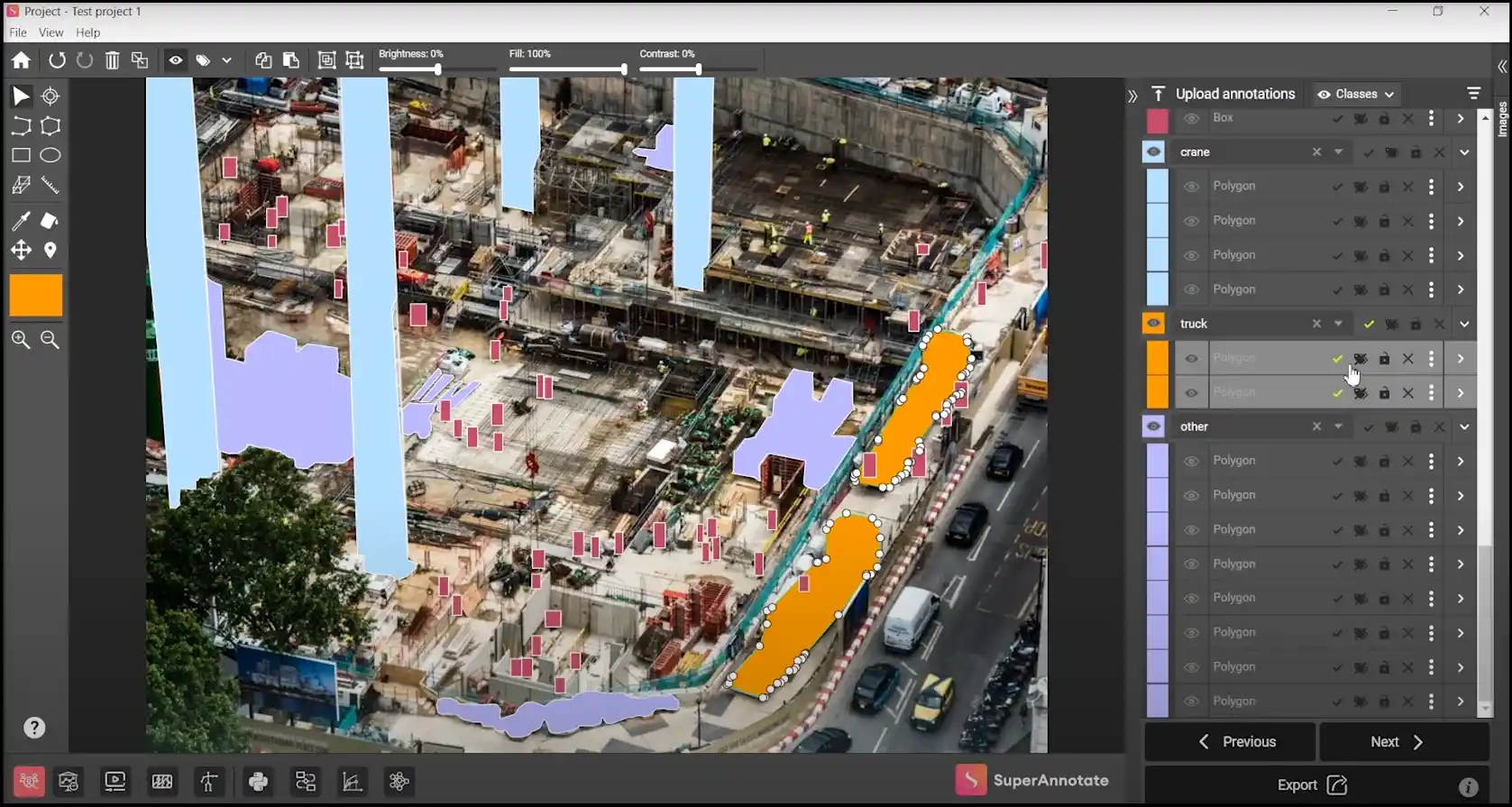
Superannotate Tool Overview
Pros
- Ease of Use
- Annotation Efficiency
- Customer Support
- Data Labeling
Cons
- Annotation Issues
- Missing Features
- Lack of Resources
- Limited Customization
- Expensive
Pricing: Starts at $30 per month for individual users; custom pricing for teams.
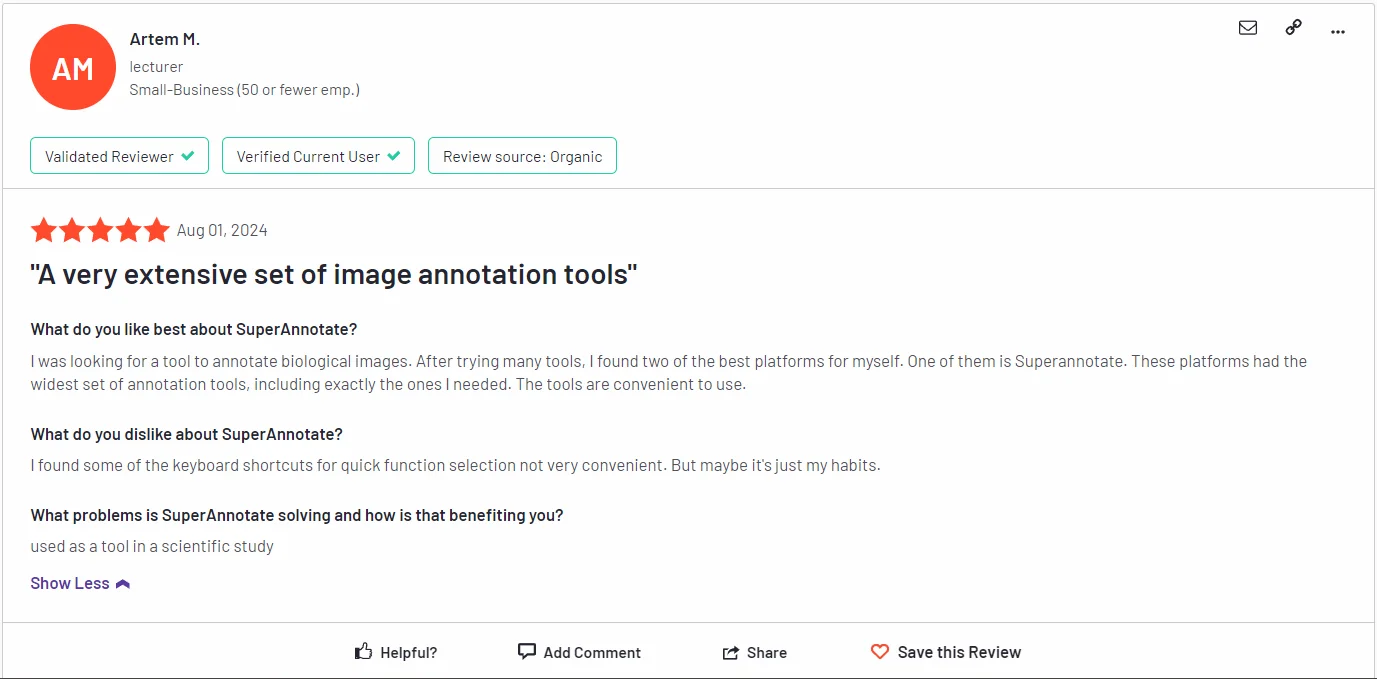
G2 review superannotate
G2 review 4.9 out of 5. Check the detailed review here.
9. Encord

encord
Encord is a comprehensive Data labeling platform and a standout among modern image labeling tools, designed for computer vision teams to annotate data, train models, and evaluate performance all in one place. It goes beyond the basic functionality of many image labeling tools by integrating active learning, which helps prioritize the most valuable data for labeling, thereby accelerating the entire model development cycle. The platform is built to handle complex projects across industries like healthcare, autonomous systems, and geospatial analysis.
Top Features
- Active Learning & Model-Assisted Labeling
- Comprehensive dataset management and versioning
- Integrated model training and evaluation metrics
- Support for video, DICOM (medical), and large image datasets
- Advanced quality control workflows and consensus scoring
Pros
- Combines annotation, training, and evaluation, reducing the need to switch between fragmented image labeling tools.
- Active learning features significantly reduce total labeling volume and cost.
- Excellent tools for complex video annotation tasks.
- Streamlined workflows for reviewers and annotators.
Cons
- The breadth of features can have a steeper initial learning curve compared to simpler image labeling tools.
- Custom pricing can be less straightforward for smaller teams.
- Can require robust hardware for very large-scale projects.
Pricing: Offers a Starter (Individuals and small teams building and prototyping small AI applications.). Team plan (Teams building, managing, and scaling a few AI applications.) and Enterprise (Companies shipping multiple AI applications across several teams.) Check for latest pricing details
G2 review 4.8 out of 5. Check the detailed review here.
How do Image Annotation Tools Improve Efficiency?
Using image annotation tools will increase efficiency in a number of ways, including:
Save Time and Resources: The best image labeling tools automate annotation, processing thousands of images rapidly to save significant time and resources.
Reducing Human Errors: Accurate image annotation software can help minimize human error.
Lowers the Cost of Human Labor: The cost of human labor can be reduced by using image annotation techniques, which can also boost productivity and accuracy.
Helps in Decision Making for Businesses: By providing precise and trustworthy data, image annotation techniques may provide decision support for businesses.
Overall, implementing the right labeling platform is crucial for teaching machine learning models to comprehend and interpret visual input.
They can decrease human error, save time and money, and provide trustworthy data to support decision-making for organizations.
| Feature | Labellerr | Competitors |
|---|---|---|
| Auto-annotation speed | 1000+ images/hour | 200-400 images/hour |
| Annotation accuracy | 99.8% | 85-95% |
| Enterprise support | 24/7 with 1hr response | Limited or business hours only |
| Custom annotation workflows | Yes, fully customizable | Limited customization |
| Free trial | Yes, no credit card required | Often requires payment info |
| Pricing | Transparent with ROI calculator | Often hidden or complex |
| Security compliance | HIPAA, GDPR, SOC2 | Varies widely |
Why Labellerr Is Your Best Choice for Image Annotation
Your choice of image annotation tool directly determines how quickly and effectively you can deploy AI solutions. Labellerr leads the industry with:
- The most advanced auto-annotation technology
- The highest annotation quality standards
- The most responsive enterprise support
- The clearest pricing with proven ROI
Don't waste time and resources on outdated annotation methods. Try Labellerr's comprehensive image annotation tool today and experience the difference proper data preparation makes.
Ready to revolutionize your annotation workflow? Contact our team today to discuss your specific needs and see how Labellerr's image annotation tool can accelerate your AI development.
Why Choose Labellerr for Your Image Annotation Needs
Labellerr provides a customizable, high-quality image labeling solution with fast turnaround and expert support to accelerate your AI projects. Contact us today for a free demo and discover how we can streamline your data labeling process.
Read our other listicles:
1. Top 12 Best Video Annotation & Labeling Tools
2. Top 10 Auto Annotation & Labeling Tools
Frequently Asked Questions
1. What are image annotation tools?
They are software platforms, also known as image labeling tools, used to tag, outline, or classify objects within images. This creates the structured, labeled data necessary for training accurate computer vision and AI models.
2. Why are image annotation tools important in the data labeling process?
High-quality data is the foundation of any good AI model. Professional image labeling tools streamline the entire data labeling process by providing automation, consistency checks, and collaboration features that raw manual methods lack, ensuring your training data is both accurate and scalable.
3. How do image annotation tools help in collaboration?
Most modern image labeling tools are built for team workflows. They offer features like role-based access, real-time commenting, assignment systems, and consensus scoring, allowing project managers, annotators, and reviewers to work together seamlessly on large datasets from anywhere.
4. Can image annotation tools handle large-scale annotation projects?
Yes, absolutely. Enterprise-grade image labeling tools are specifically designed for scale. They handle projects with millions of images through features like AI-powered auto-labeling, robust data management and versioning, distributed workforce orchestration, and detailed performance analytics to track progress and quality.

Simplify Your Data Annotation Workflow With Proven Strategies
.png)