
12 Best Video Annotation & Labeling Tools In 2025
Discover the top 12 video annotation tools in 2025 that streamline labeling tasks for AI, machine learning, and computer vision projects. Tools like Labellerr, CVAT, and Amazon SageMaker Ground Truth offer powerful features to boost accuracy and productivity.

Videos are quickly becoming a vital tool for businesses, with 91% using them as a marketing tool in 2025. To make this content actionable for AI, a precise video annotation tool is essential. These platforms prepare visual data by labeling objects in videos with bounding boxes, polygons, and other shapes, enabling machine learning models to accurately recognize and understand content. This process is fundamental to computer vision, turning complex footage into structured, actionable data.
Selecting the right video annotation platform directly impacts your project's accuracy, speed, and cost. To guide your choice, our experts have curated this list based on user-friendliness, annotation accuracy, processing speed, and cost-effectiveness. Here are the top tools to streamline your video labeling tasks this year.
Table of Contents
- Labellerr
- VGG Image Annotator (VIA)
- Supervise.ly
- Labelbox
- CVAT
- Dataloop
- Annotorious
- RectLabel
- Hasty.ai
- Amazon SageMaker Ground Truth
- Encord
- Roboflow
- Conclusion
- FAQ
Top 11 Video Annotation Tools
Here are details on the top 11 video annotation tools that are currently available in the market that you can consider for your model training:
1. Labellerr - Ultimate Computer Vision Annotation Platform

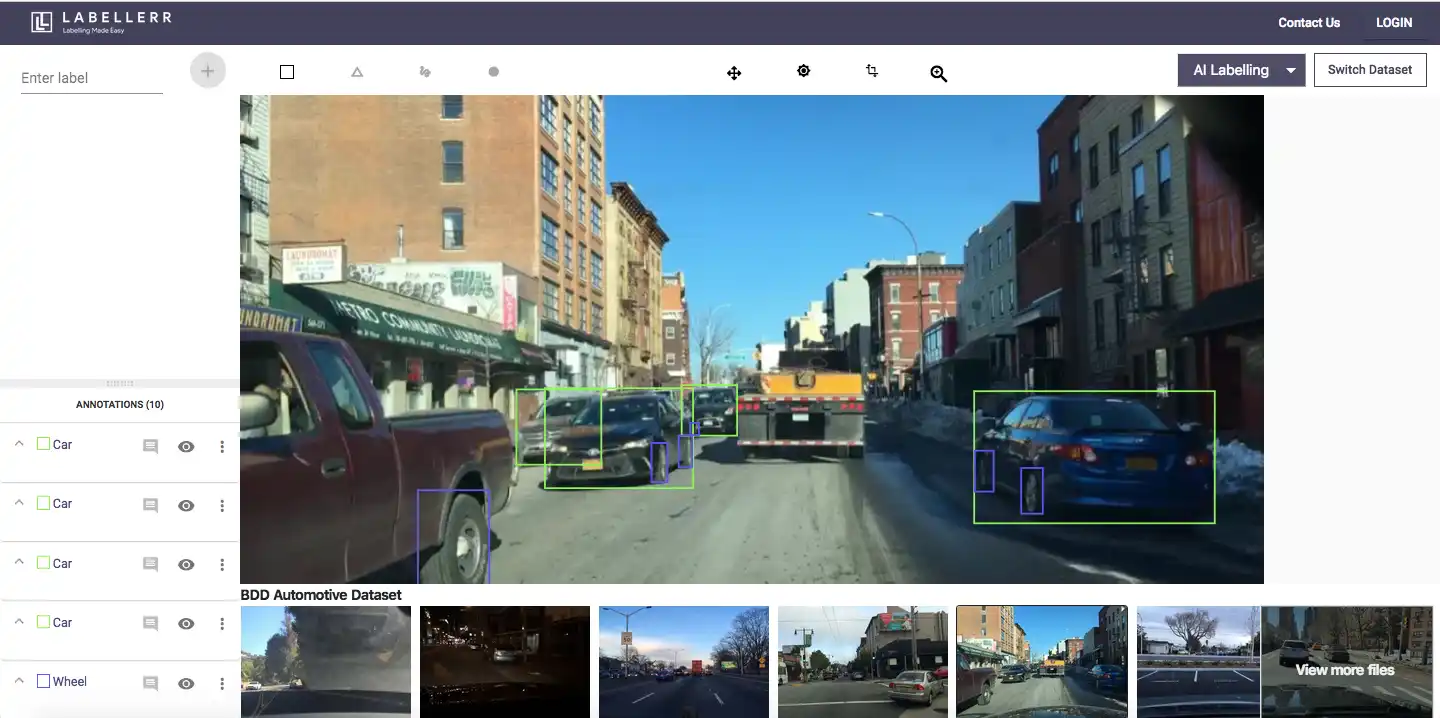
Labellerr is a comprehensive computer vision annotation platform built for speed and precision. This powerful video annotation tool combines AI-powered automation with enterprise-grade features to handle the most demanding computer vision projects. It offers an easy-to-use interface and supports various video formats.
It stands out as a video annotation tool that supports automated data labeling features, helping you speed up your model training process.
It provides a range of annotation tools, such as
- Bounding boxes
- Polygons
- Key points
- and semantic segmentation
With Labellerr, you can annotate videos with high accuracy and speed, and also collaborate with team members in real-time.
Key Features for Computer Vision:
- AI-Powered Auto-Labeling: Cut annotation time by up to 90% with pre-trained models
- Multiple Annotation Types: Support for bounding boxes, polygons, keypoints, semantic segmentation, and instance segmentation
- Active Learning: Models improve as you annotate, getting smarter with each iteration
- Quality Control System: Built-in workflows to ensure annotation accuracy
- Custom Ontologies: Create project-specific labeling schemas
- API Access: Seamlessly integrate with existing ML pipelines
- Enterprise Security: HIPAA and GDPR compliant data handling
Pros:
- Feature-rich Video Segmentation: Perform faster segmentation with pixel perfection. Drag polygon and auto-bordering features prevent overlapping adjacent objects in videos.
- Auto-labeling: Accelerate use cases with semantic segmentation using features like SAM and active learning, now applied to video data.
- Professional Annotation Team: Handle large volumes of video data with fast turnaround times.
- Custom SLA: Starting from 24 hours for batch completion of video annotations.
- 24/7 Tool Support: Available for the Enterprise Plan, ensuring uninterrupted video annotation operations.
- Robust QA Process: Set up QA processes that include agreement between annotators, comparison based on ground truth and IOU metrics, model-assisted QA, generative AI-powered QA, and sample visual quality assurance, now tailored for video annotation.
- Dedicated Account Manager: Manage daily/weekly video annotation output efficiently.
- Data Privacy and Security Compliance: Comply with HIPAA and GDPR regulations for video data privacy and security.
- Multi-tier Pricing: Options based on quality measurement for video annotation. The default QC process includes 1 round of annotation and 1 round of QC, customizable to match expected video annotation output, timeline, and budget.
Cons:
- Limited Format Support: This does not currently support point cloud and 3D video data formats.
Pricing:
- Pro Plan: Starts at $499 per month for 10-user access with 50,000 data credits included. Additional data credits can be purchased at $0.01 USD per data credit, and extra users can be subscribed to at $29 USD per user.
- Enterprise Plan: Offers professional services, including tool customization and ML consultancy tailored for video annotation needs.
For custom pricing contact here.
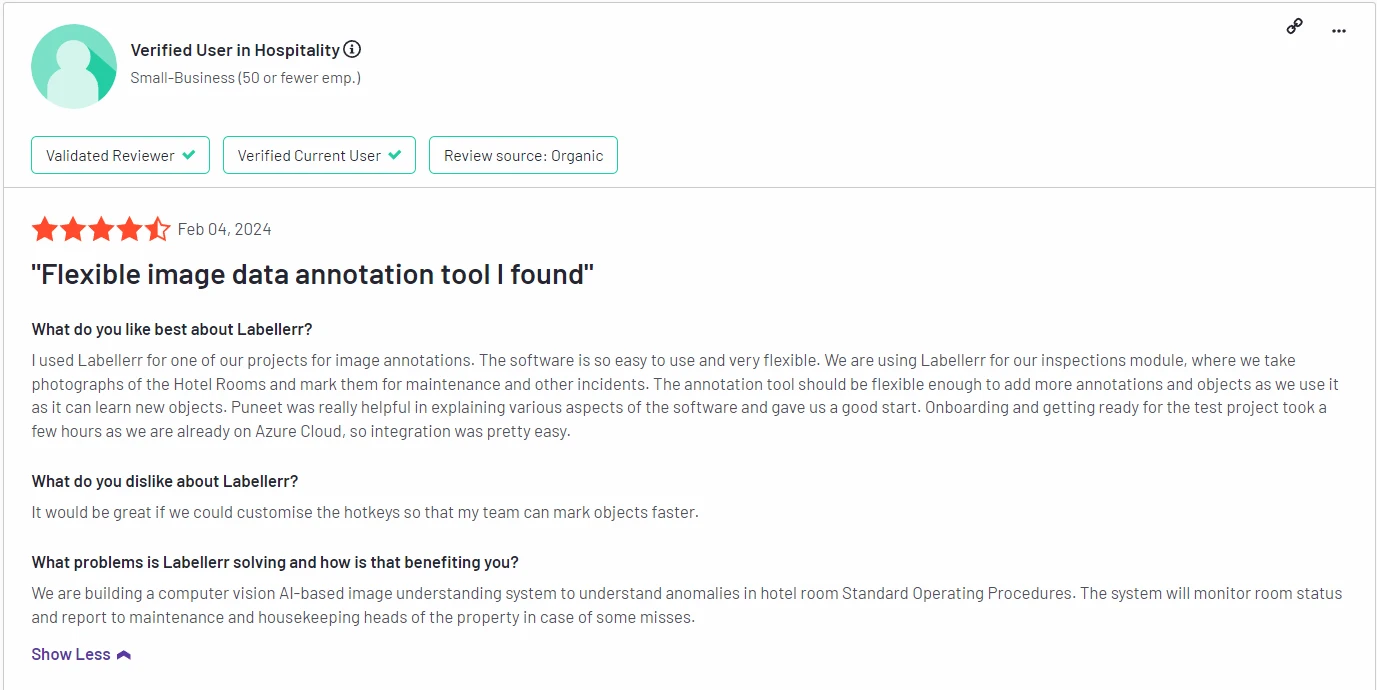
G2 Review : 4.8/5 (link to customer reviews)
Why Computer Vision Teams Choose Labellerr:
- 10X faster annotation completion compared to manual methods
- Dedicated support team with computer vision expertise
- Customizable workflows for different project needs
- Scales from startups to enterprise-level operations
Try Labellerr's Computer Vision Annotation Tool, Book a Demo
2. VGG Image Annotator (VIA)
VIA is a free, open-source video annotation tool developed by the Visual Geometry Group at the University of Oxford.
It supports image and video annotation for various tasks, including object detection and segmentation. Users can annotate directly in their browsers, making it accessible and easy to use.
Features:
- Supports multiple annotation types (bounding boxes, polygons).
- Browser-based with no installation required.
- Export options for different formats (JSON, CSV).
Pros:
- Free and open-source.
- User-friendly interface.
- Lightweight with no server dependencies.
Cons:
- Limited collaborative features.
- No built-in machine learning capabilities.
Pricing:
Free.
3. Supervise.ly
Supervise.ly is a cloud-based video annotation platform that has become a top option for teams. It also handles image annotation.
It offers a wide range of annotation tools such as bounding boxes, polygons, and semantic segmentation.
It also provides automation features to improve annotation speed and accuracy.
Features:
- Multi-format support (images, videos, 3D).
- AI-assisted annotations and auto-labeling.
- Project management and team collaboration tools.
Pros:
- Versatile annotation capabilities.
- Intuitive interface.
- Strong community support.
Cons:
- Can be overwhelming for beginners.
- Higher costs for advanced features.
Pricing:
Starts at $25/month/user (basic plan).
G2 Review : 4.7/5 (link to customer reviews)
4. Labelbox
Labelbox is a popular video annotation platform that offers a user-friendly interface for annotating images and videos.
It’s designed for scalability, making it suitable for teams of all sizes. Labelbox also integrates with machine learning workflows to streamline the data preparation process.
Features:
- Supports various annotation types (bounding boxes, segmentation).
- Collaborative tools for team projects.
- API access for integration with ML pipelines.
Pros:
- Highly customizable workflows.
- Strong collaboration features.
- AI integration enhances efficiency.
Cons:
- Can become costly as you scale.
- Learning curve for new users.
Pricing:
Custom pricing based on usage.
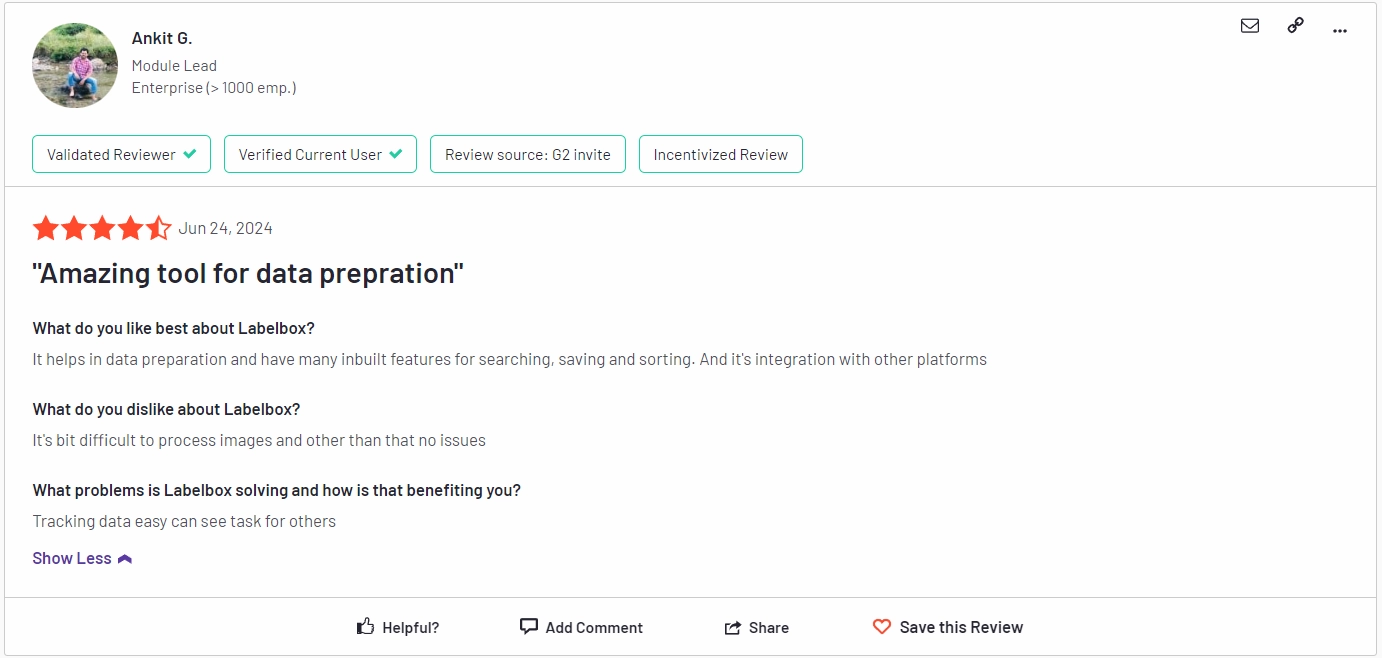
G2 Review : 4.7/5 (link to customer reviews)
5. CVAT
Computer Vision Annotation Tool (CVAT) is an open-source tool developed by Intel.
It’s specifically designed for annotating video and image data, offering a range of features that cater to both novice and experienced annotators in AI projects.
Features:
- Supports multiple annotation formats.
- Customizable user interface.
- Automatic annotation using pre-trained models.
Pros:
- Open-source and free to use.
- Strong community and documentation.
- Flexible and powerful for advanced users.
Cons:
- Requires installation and server setup.
- User interface can be complex for beginners.
Pricing:
Free
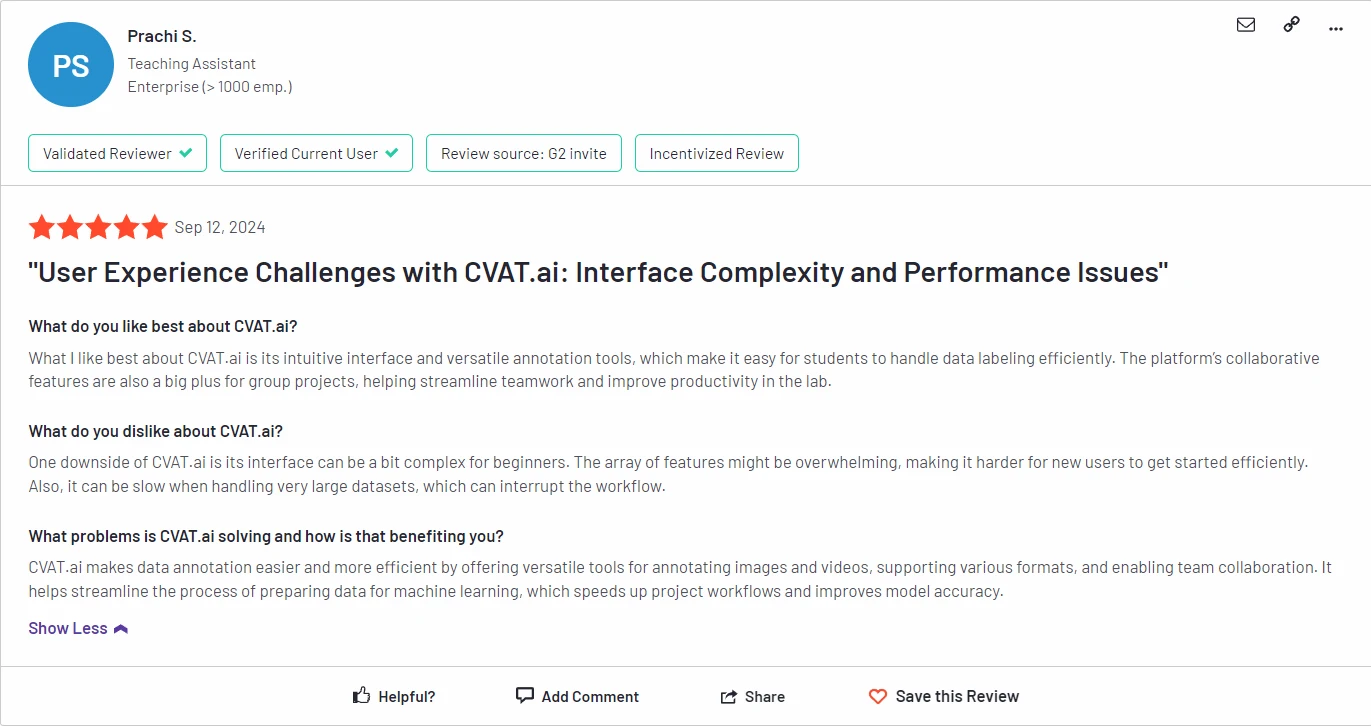
G2 Review : 4.5/5 (link to customer reviews)
6. Dataloop
For teams needing a unified platform, Dataloop is a robust video annotation tool supporting bounding boxes, polygons, and semantic segmentation.
It also offers automation features such as pre-built models and workflows, as well as real-time collaboration for team members.
Features:
- Supports video, images, and audio annotations.
- Advanced quality control tools.
- Built-in machine learning capabilities for faster labeling.
Pros:
- Comprehensive data management features.
- Scalable for large teams.
- Intuitive dashboard for project oversight.
Cons:
- Can be expensive for small teams.
- Some features may be underutilized.
Pricing:
Custom pricing based on project requirements.
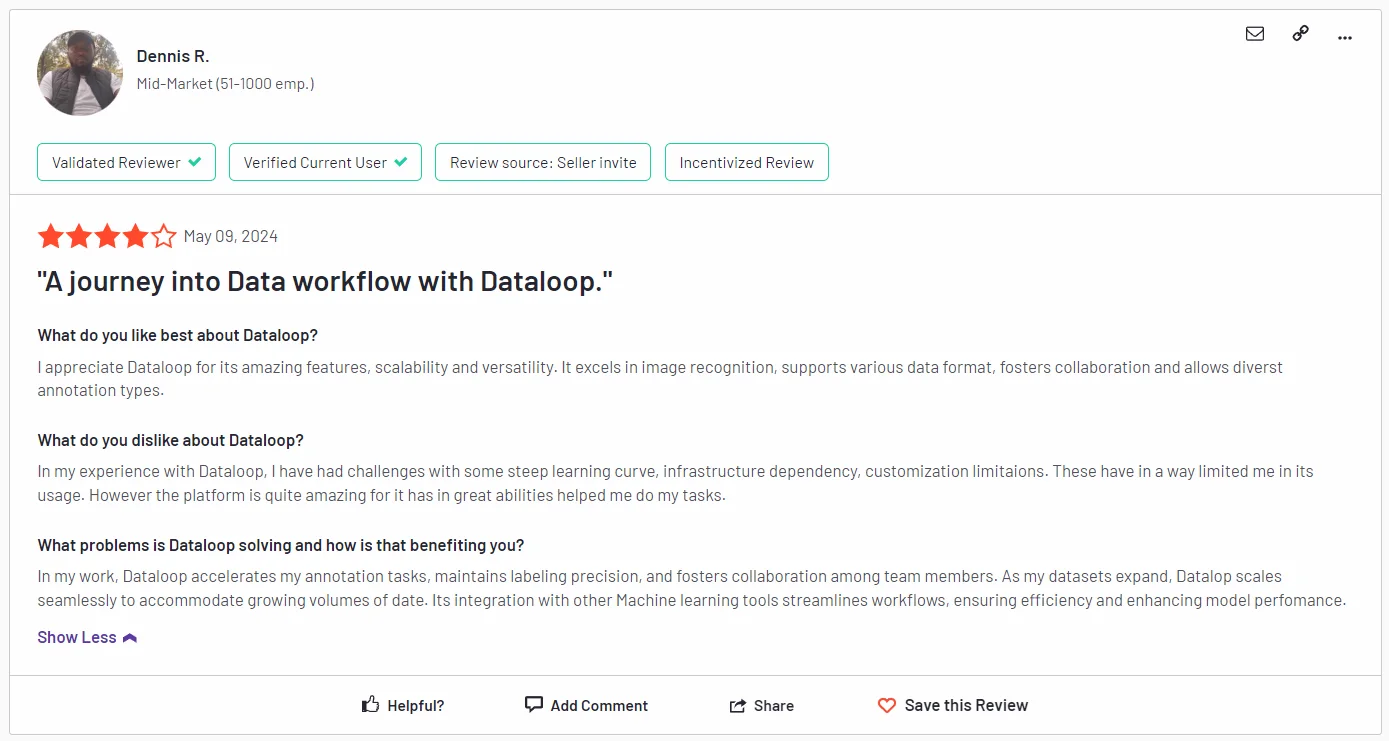
G2 Review : 4.5/5 (link to customer reviews)
7. Annotorious
Annotorious is a free and open-source video annotation tool that also handles images, offering a simple, user-friendly interface for labeling tasks.
It supports various annotation types such as bounding boxes and points and also provides real-time collaboration features.
Features:
- Easy-to-use interface for quick annotations.
- Supports various annotation types (rectangles, polygons).
- Embeddable in websites and applications.
Pros:
- Free and easy to set up.
- Lightweight and responsive.
- Good for small projects.
Cons:
- Limited advanced features.
- Not as suitable for large-scale projects.
Pricing:
Free.
8. RectLabel

Overview:
RectLabel is a macOS-based video annotation tool designed for image and video labeling, particularly for machine learning projects.
It allows users to create high-quality datasets for training AI models with various annotation options.
Features:
- Supports bounding boxes and polygon annotations.
- Built-in export options for TensorFlow and other formats.
- Simple interface for quick labeling.
Pros:
- Affordable one-time purchase.
- Offline functionality for macOS users.
- Quick setup and ease of use.
Cons:
- Limited to macOS.
- Fewer collaboration features compared to cloud solutions.
Pricing:
$29.99 (one-time purchase).
9. Hasty.ai

Focusing on AI efficiency, Hasty.ai has made its mark in the landscape of video annotation tools, it also supports image annotation.
It offers a range of annotation types such as bounding boxes, polygons, and semantic segmentation, and also provides automation features such as pre-built models and workflows.
Features:
- AI-assisted labeling to speed up the process.
- Collaboration tools for teams.
- Comprehensive annotation types, including segmentation.
Pros:
- Fast and efficient due to AI integration.
- User-friendly interface.
- Supports team collaboration.
Cons:
- Subscription pricing can add up.
- May require some learning for optimal use.
Pricing:
Starts at $49/month/user.
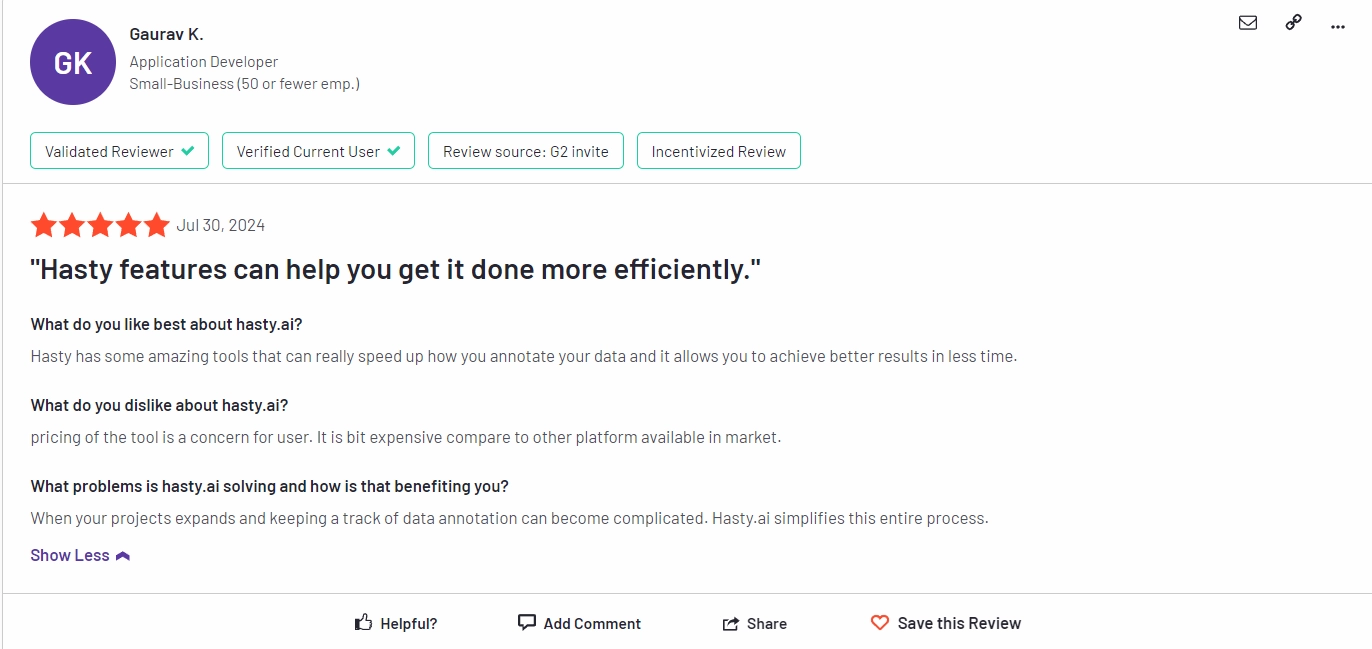
G2 Review : 4.4/5 (link to customer reviews)
10. Amazon SageMaker Ground Truth
Amazon SageMaker Ground Truth is a cloud-based video annotation tool that supports various annotation types such as bounding boxes, polygons, and lines.
It also offers automation features such as pre-built models and workflows, as well as integration with other AWS services.
Features:
- Automated labeling with built-in ML models.
- Supports multiple data formats (images, videos, text).
- Integration with other AWS services.
Pros:
- Scalable and highly efficient.
- Access to AWS's powerful infrastructure.
- Comprehensive support for various use cases.
Cons:
- Complex pricing structure.
- Requires familiarity with AWS.
Pricing:
Pay-as-you-go pricing; $0.50 per labeled image (variable).
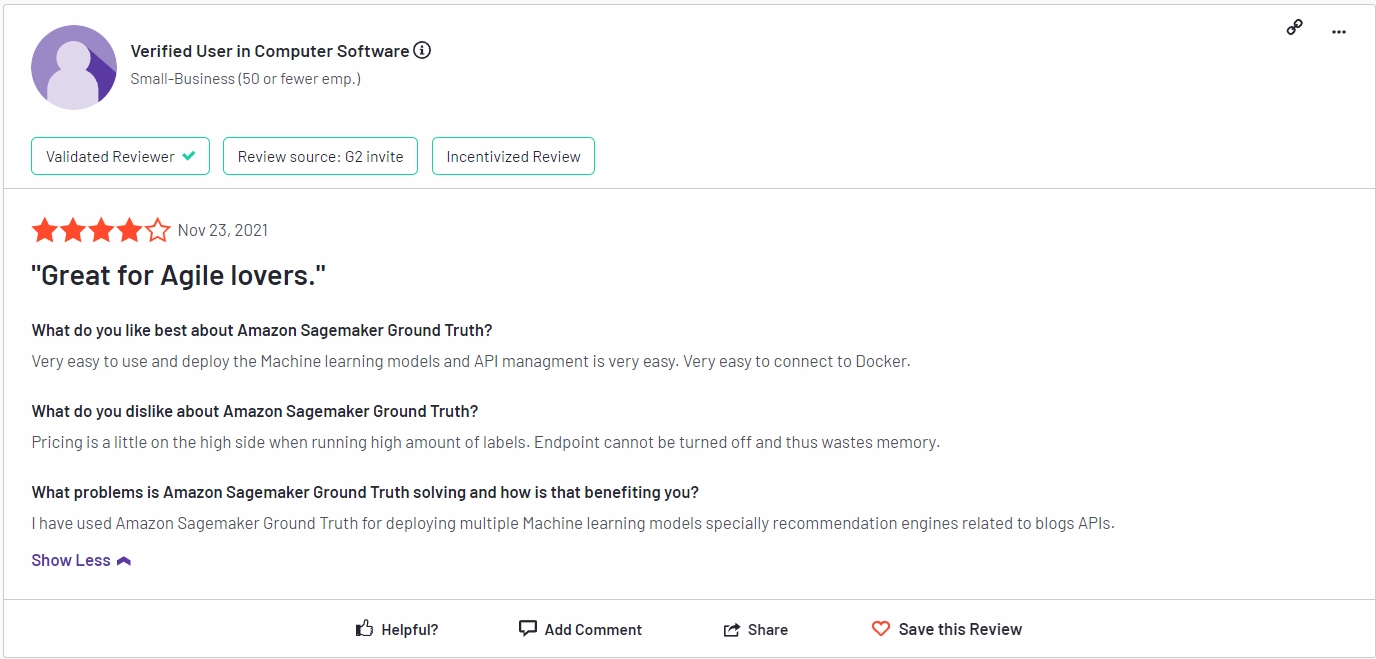
G2 Review : 4.1/5 (link to customer reviews)
11. Encord
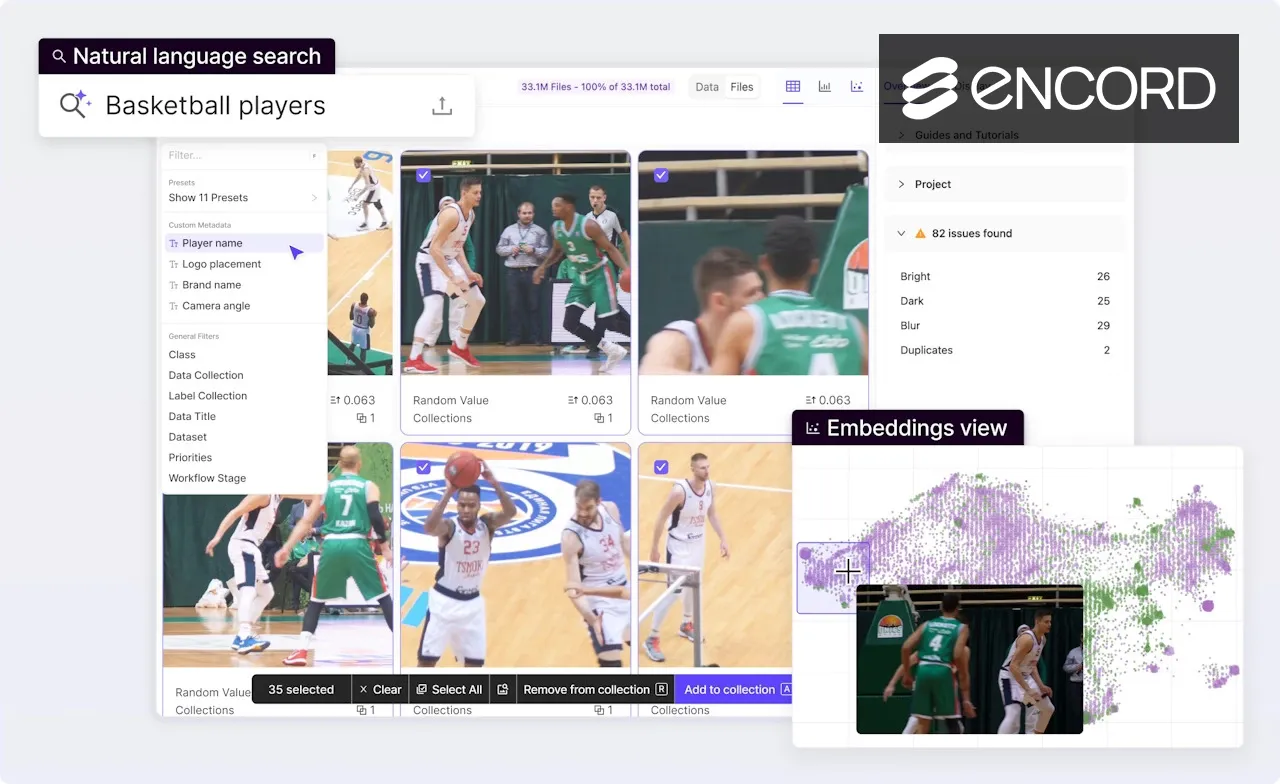
Encord is a comprehensive video annotation platform and a standout among modern labeling tools, designed for computer vision teams to annotate data, train models, and evaluate performance all in one place. It goes beyond the basic functionality of many image labeling tools by integrating active learning, which helps prioritize the most valuable data for labeling, thereby accelerating the entire model development cycle. The platform is built to handle complex projects across industries like healthcare, autonomous systems, and geospatial analysis.
Top Features
- Active Learning & Model-Assisted Labeling
- Comprehensive dataset management and versioning
- Integrated model training and evaluation metrics
- Support for video, DICOM (medical), and large image datasets
- Advanced quality control workflows and consensus scoring
Pros
- Combines annotation, training, and evaluation, reducing the need to switch between fragmented image labeling tools.
- Active learning features significantly reduce total labeling volume and cost.
- Excellent tools for complex video annotation tasks.
- Streamlined workflows for reviewers and annotators.
Cons
- The breadth of features can have a steeper initial learning curve compared to simpler image labeling tools.
- Custom pricing can be less straightforward for smaller teams.
- Can require robust hardware for very large-scale projects.
Pricing: Offers a Starter (Individuals and small teams building and prototyping small AI applications.). Team plan (Teams building, managing, and scaling a few AI applications.) and Enterprise (Companies shipping multiple AI applications across several teams.) Check for latest pricing details
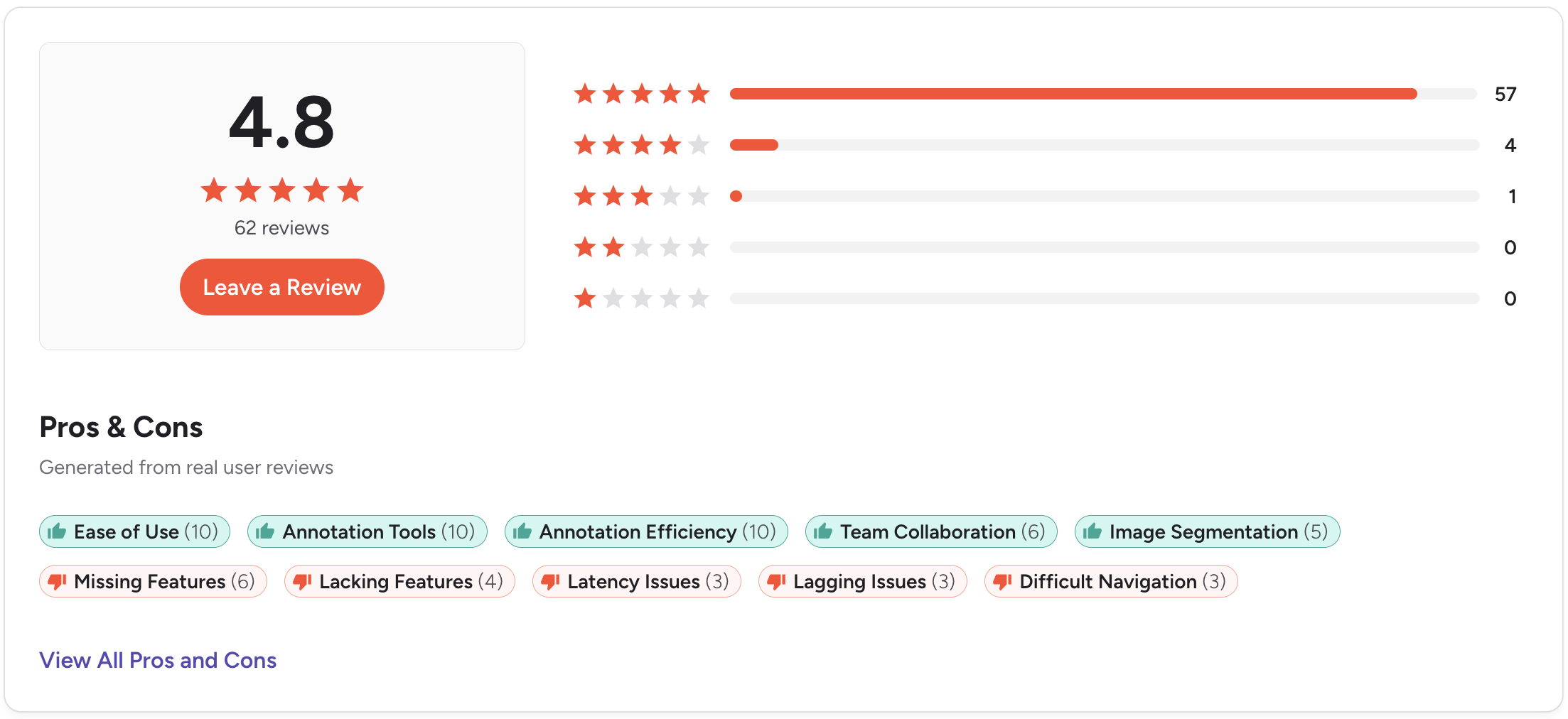
G2 review 4.8 out of 5. Check the detailed review here.
12. Roboflow
Roboflow is an end-to-end video annotation platform designed specifically for computer vision teams. It streamlines the entire workflow from data collection and annotation to model training and deployment.
Top Features:
- Offers dataset management, versioning, and preprocessing tools. Its Label Assist uses AI to suggest annotations, and it integrates with models like SAM for smart segmentation. Provides a unified environment to train, evaluate, and deploy computer vision models.
Pros:
- End-to-End Workflow: Unifies the entire computer vision pipeline (data, annotation, training, deployment) into a single, integrated platform.
- AI-Powered Annotation: Features like Label Assist and SAM integration dramatically speed up the manual process of labeling images and video.
- Accessible Entry Point: Offers a generous free tier, allowing individuals and small teams to start developing and testing models without upfront cost.
Cons:
- Limited Data Scope: Exclusively focused on images and video, making it unsuitable for text, audio, or multi-modal AI projects.
- Platform Lock-In Risk: Using its all-in-one ecosystem can create dependency, making it challenging to migrate workflows to other tools later.
- Cost at Scale: While the free tier is excellent, pricing for advanced features, team seats, and compute can become a significant expense for growing organizations.
Best For: Computer vision developers and teams seeking an all-in-one platform to manage the full project lifecycle, from data to deployment.
Pricing: Free tier available. Paid plans scale with usage, starting at $20/user/month.
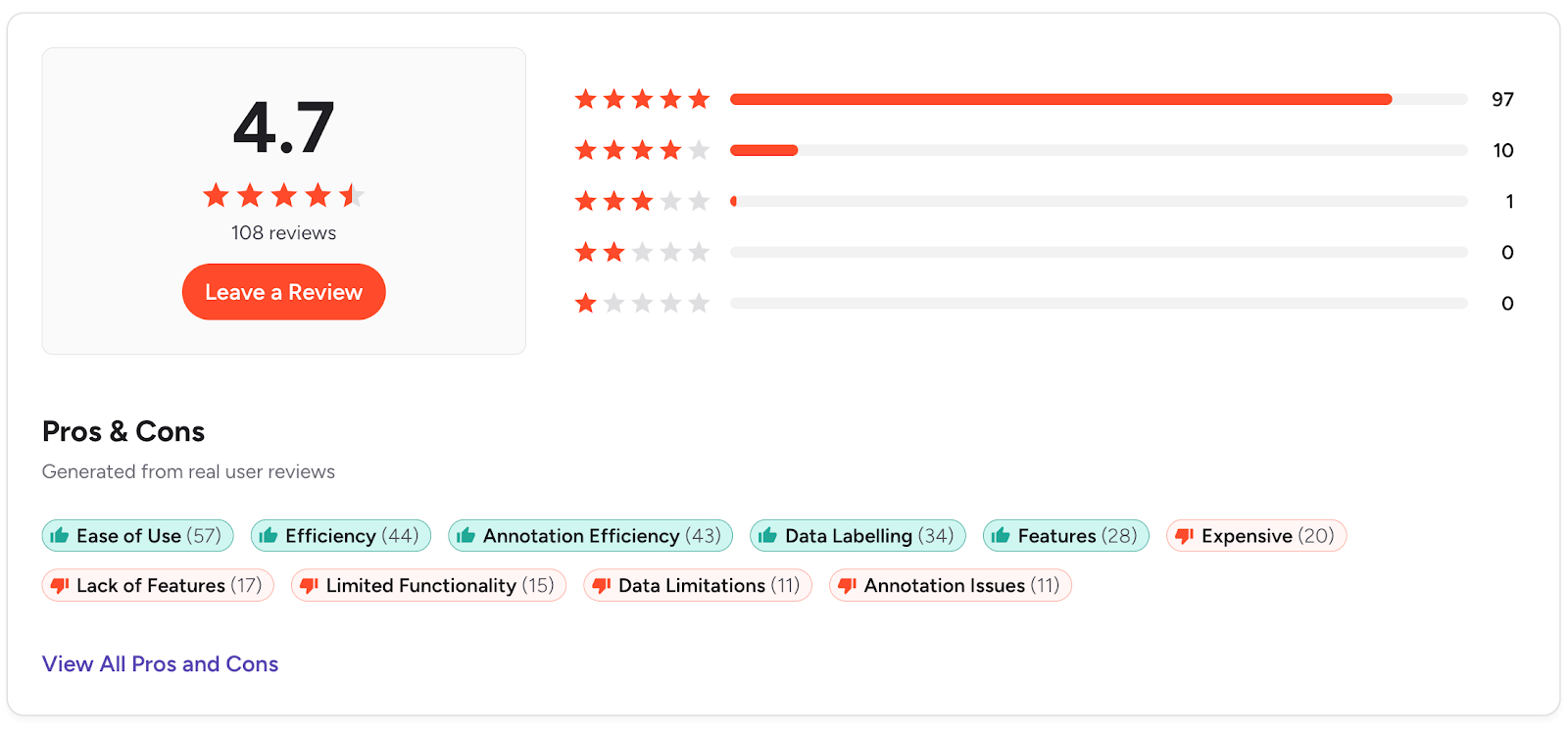
G2 Review: 4.7/5 stars. some note costs can rise at scale.
G2 review 4.7 out of 5. Check the detailed review here.
Conclusion
As video continues to dominate marketing and communication, the ability to accurately label and tag video data is critical for success. Without the right video annotation tool, the process can be tedious and time-consuming, slowing down your projects.
In this guide, we’ve explored the top 11 video annotation tools that can help you automate, streamline, and improve the accuracy of your work.
Among all solutions, Labellerr stands out as the leading video annotation software because it’s designed to help you label video data 10X faster with incredible precision and ease.
Whether you're building AI models for computer vision, machine learning, or deep learning, the right video annotation tool is key. Labellerr provides an advanced, feature-rich platform that can handle the most complex annotation tasks.
What Labellerr offers:
- AI-Powered Automation: Label data 10X faster with advanced auto-labeling
- Quality Control: Built-in processes ensure annotation accuracy
- Enterprise-Ready: Security, collaboration, and scalability features
- Cost-Effective: Get more done with fewer resources
Whether you're building computer vision models for healthcare, autonomous vehicles, retail analytics, or manufacturing, choosing from the best video annotation tools is a critical first step. For teams that need speed, precision, and scale, Labellerr provides the advanced platform to succeed.
Ready to transform your computer vision projects?
Want to elevate your video projects?
Choose the right annotation tool and start boosting productivity, improving accuracy, and speeding up your workflow.
Let us know how we can help you. Schedule a call today.
Read our other listicles:
1. Top 10 Auto Annotation & Labeling Tools in 2025
2. Top 11 Best Image Labeling & Annotation Tools in 2025
Frequently Asked Questions
1.What is video labeling?
Video labeling is tagging objects in video files for computer vision AI models to detect certain classes, for example, persons, vehicles, animals, etc.
2. What is the best tool to label images?
There are various open-source and paid tools available with pros and cons. It depends on the use cases and which tools fit best for the use cases. Some notable names are Labellerr, CVAT, V7, and Roboflow.
3. What is an example of video annotation?
There are many examples, the most popular is self-driving cars where video footage gets labeled to detect pedestrians, vehicles, road lanes, etc.
4. What are the main types of video annotation supported by these tools?
Most tools mentioned in the article support bounding boxes, polygons, keypoints, semantic segmentation, and instance segmentation. Labellerr specifically offers skeletal annotation, bitmask annotation, custom annotation, and lane annotation features.
5. How does auto-labeling benefit video annotation projects?
Auto-labeling features like those in Labellerr accelerate use cases with semantic segmentation using technologies like SAM and active learning. This significantly speeds up the annotation process, making it possible to handle large volumes of video data with faster turnaround times.
6. What security features should I look for in video annotation tools?
Data privacy and security compliance with regulations like HIPAA and GDPR are essential features, that tools like Labellerr offer to ensure video data privacy and security.
7. What makes video annotation different from image annotation?
Video annotation deals with sequences of images (30 frames per second equals 1800 images per minute of footage), requiring features like object tracking across frames, which adds complexity compared to static image annotation.

Simplify Your Data Annotation Workflow With Proven Strategies
.png)