
12 Best Auto Annotation & Labeling Tools In 2025
Discover the top auto annotation tools in 2025 that streamline data labeling for AI and machine learning projects, reducing manual work and improving accuracy with cutting-edge automation. Explore features, pricing, and user reviews to find your ideal tool.

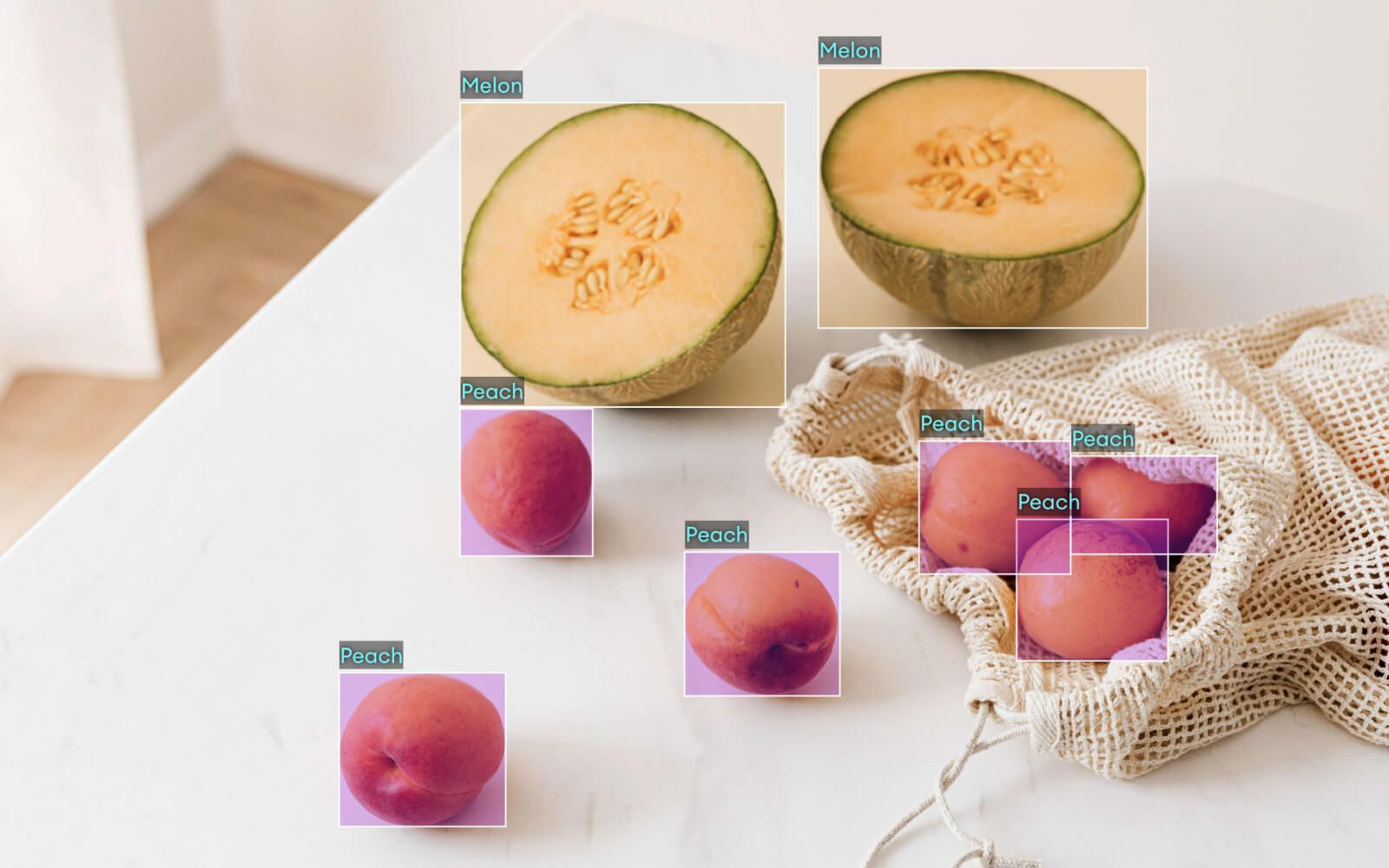
Building powerful AI isn't just about algorithms; it starts with high-quality data. If you've ever faced the tedious, expensive process of manual data labeling, you know it can slow projects to a crawl. That's where a modern auto labeling tool or data annotation platform reshapes the work. By using intelligent auto-labeling features, these platforms turn weeks of hand-drawn boxes or tags into a task of swift review and refinement. This isn't just about speed; it’s about achieving consistency and freeing your team from monotony to focus on the complex edge cases that truly matter.
It’s no surprise this shift toward automation is accelerating. The market for these platforms is growing fast, as teams everywhere look to scale their AI efforts without compromising on data quality. But with so many options, how do you choose the right auto labeling tool for your specific needs? We’ve done the research for you. In this guide, we’ll break down the top platforms offering smart auto-labeling, comparing their strengths to help you find the perfect fit for your project and your team.
What We'll Cover
- Reasons To Look Auto-Labeling Feature In A Data Annotation Platform
- Labellerr
- Scale AI
- SuperAnnotate
- Appen
- Roboflow
- Encord
- Dataloop
- Hive
- Diffgram
- Annotate
- Alegion
- Playment
- Conclusion
- FAQs
Top 10 Best Data Annotation Platforms that Offer Auto-labeling Features
Here are the top 12 best data annotation platforms that offer auto-labeling features, examined in detail below:
1. Labellerr

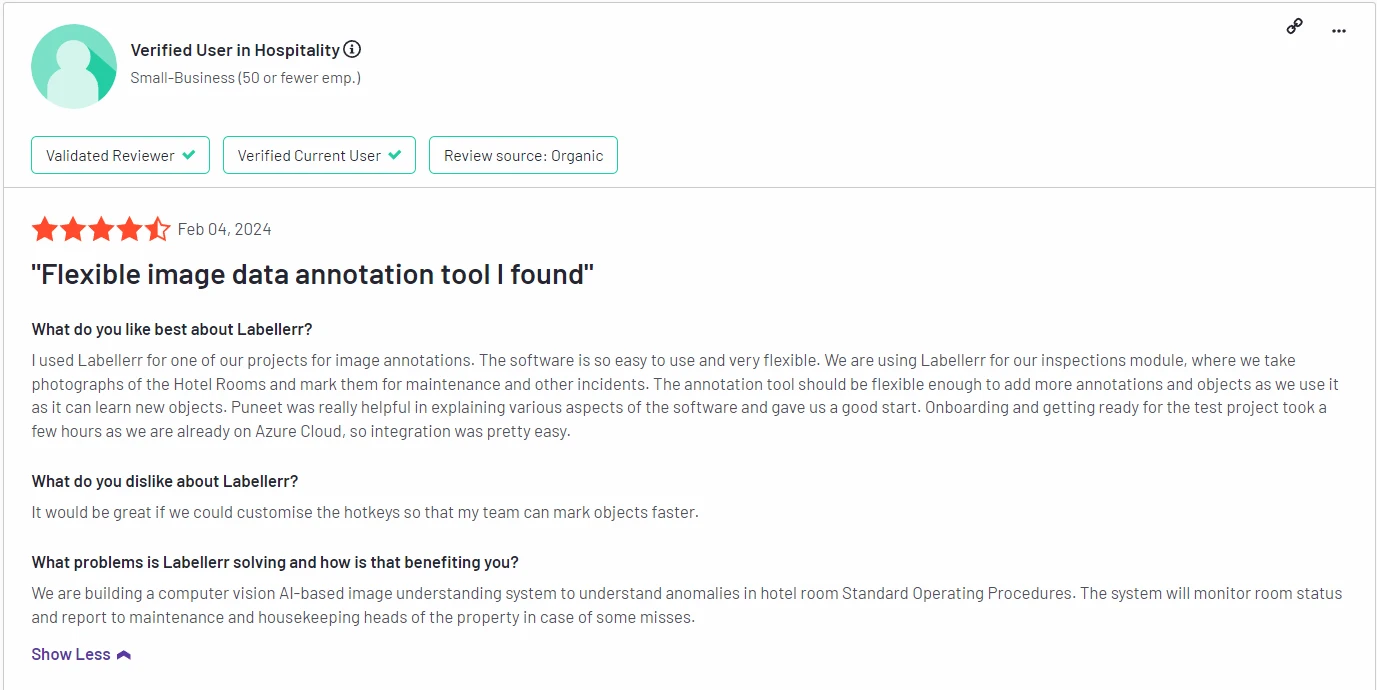
Labellerr’s auto-annotation tool leverages machine learning to pre-label data across various domains such as images, videos, and text.
The platform allows teams to train custom models for specific use cases, making it adaptable for industries like healthcare, retail, and automotive.
It offers a balance between automation and human-in-the-loop systems to ensure quality control.
Top Features:
• AI-driven auto-annotation for images, text, and videos
• Custom model training for specific datasets
• Human-in-the-loop quality assurance
• Integration with ML pipelines for seamless workflows
• Real-time collaboration tools
Pros:
• Offers a high degree of customization for different data types
• Supports real-time collaboration and feedback
• Automated tools reduce labeling time significantly
Cons:
- Limited Format Support: Currently, Labellerr does not support point cloud and 3D data formats, which could be a limitation for projects requiring these specific types of data annotation.
Best For: Teams looking for flexible, AI-enhanced auto-annotation tools with a focus on custom model training.
Pricing:
- Pro Plan: Starts at $499 per month for 10-user access, including 50,000 data credits.
Additional data credits can be purchased at $0.01 USD per credit, and extra users can be subscribed to at $29 USD per user. - Enterprise Plan: This plan offers professional services, including tool customization and ML consultancy, as well as custom data, workspace, and other limitations, tailored to meet the specific needs of enterprise users.
G2 Review: Labellerr receives high marks for its automation features, ease of integration, and strong customer support, with users noting significant time savings during data annotation.
You can check out the reviews here.
2. Scale AI

Scale AI offers enterprise-level data annotation tools, including an advanced auto-labeling tool powered by machine learning.
AI projects require accurate and fast annotation. Scale AI supports various data types including 2D and 3D datasets, making it popular in the automotive and robotics sectors.
Top Features:
• AI-driven auto-annotation for 2D and 3D datasets
• Supports large-scale enterprise-level projects
• Human-in-the-loop for quality assurance
• Integrates with major ML frameworks
• Advanced tooling for complex datasets
Pros:
• Scalable for large, complex projects
• High-quality annotations with human oversight
• Strong integration with existing AI models
Cons:
• Expensive for small to medium-sized projects
• Primarily targets larger enterprises
Best For: Large enterprises with massive datasets requiring high-quality, scalable auto-annotation solutions.
Pricing: Tiered pricing based on project size and dataset complexity.
G2 Review: Scale AI is praised for its scalability and ability to handle complex datasets, but smaller businesses may find it costly. You can check out the reviews here.
3. SuperAnnotate
SuperAnnotate is a versatile annotation platform offering a robust auto-labeling tool for images, videos, and text.
It combines high precision with efficiency, making it popular in industries like retail and healthcare. The platform also supports manual annotation for fine-tuning auto-labeled data.
Top Features:
• Auto-annotation for images, video, and text
• Support for both 2D and 3D annotation
• Collaboration tools for teams
• Real-time project management and feedback
• Customizable AI models for auto-labeling
Pros:
• High accuracy with AI-powered auto-labeling
• Supports real-time collaboration
• Handles both simple and complex data types
Cons:
• Advanced tools may require some training
• Can be costly for long-term projects
Best For: Teams looking for precision in image and video annotations, with the ability to combine automated and manual labeling.
Pricing: Pricing varies based on project size and feature requirements.
G2 Review: SuperAnnotate is praised for its precision and ease of use, though some users find the learning curve steep for advanced features.
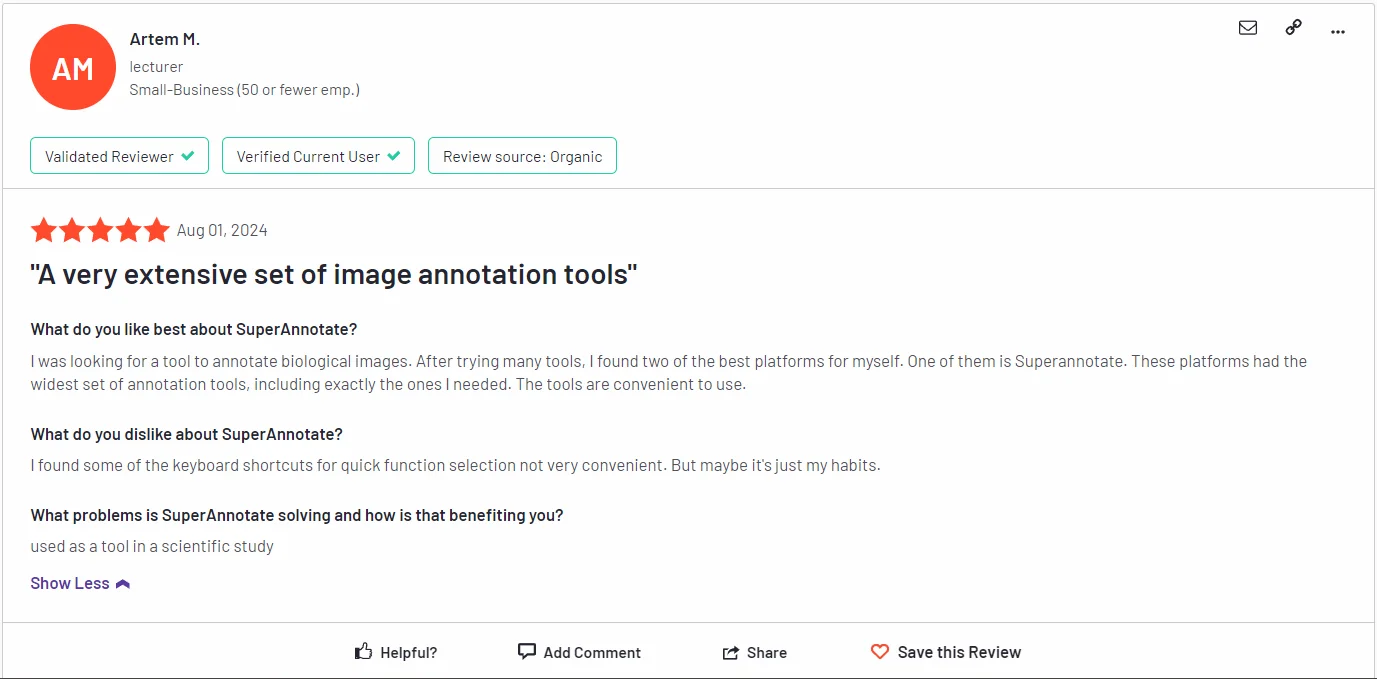
You can the full review here.
4. Appen
Appen is a data annotation platform that provides AI training data services across a wide range of industries, including technology, finance, and healthcare.
With a global workforce and a human-in-the-loop system, Appen ensures high-quality data labeling while maintaining scalability.
Top Features:
• Human-in-the-loop data annotation
• Global workforce for scalability
• Multi-language support
• Suitable for image, video, text, and audio data
• Strong quality control mechanisms
Pros:
• Scalable with a large, diverse workforce
• High accuracy and quality assurance
• Ideal for multi-language datasets
Cons:
• Expensive for smaller projects
• Less emphasis on AI-driven automation compared to competitors
Best For: Large enterprises needing human-in-the-loop annotation services for multilingual datasets.
Pricing: Based on project scope and complexity.
G2 Review: Appen is appreciated for its global reach and ability to handle complex projects, though some users mention it is more suited for larger enterprises.
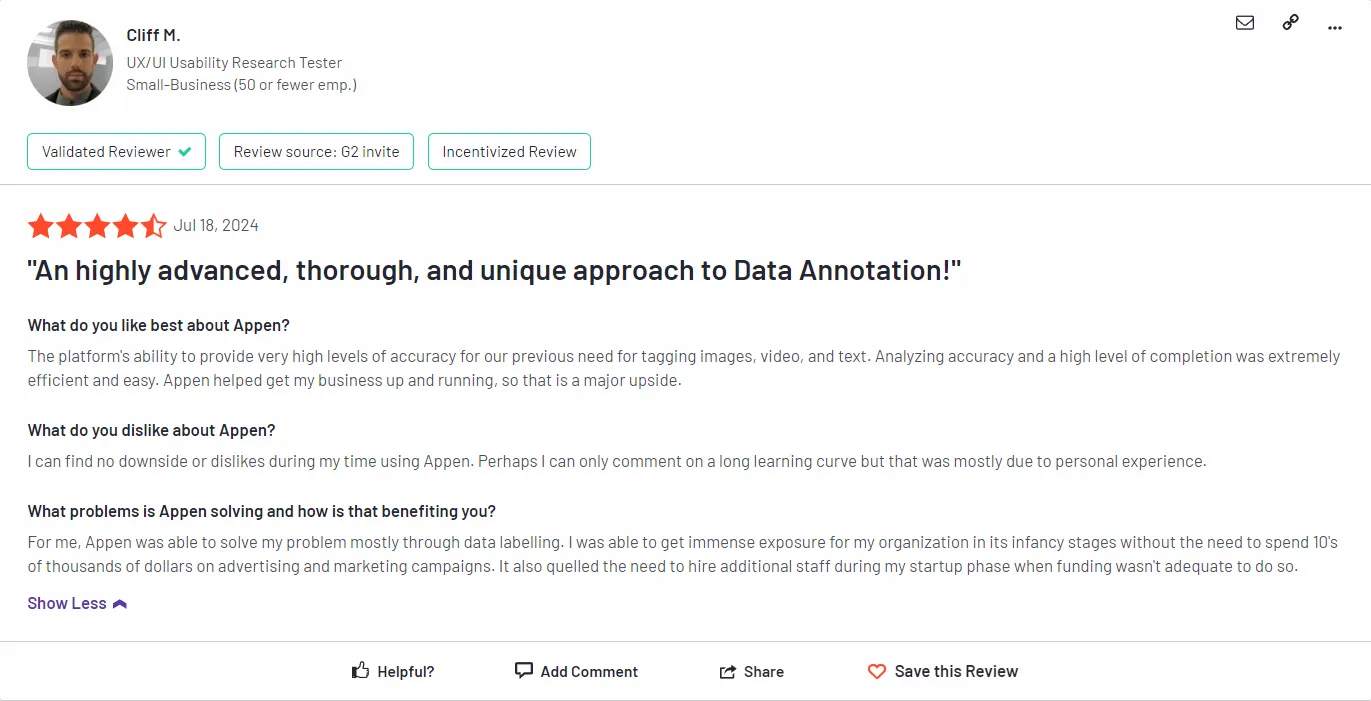
You can check the reviews here.
5. Roboflow
Roboflow is an end-to-end platform designed specifically for computer vision teams. It streamlines the entire workflow from data collection and annotation to model training and deployment.
Top Features:
- Offers dataset management, versioning, and preprocessing tools. Its Label Assist uses AI as a powerful auto-annotation tool to suggest labels, and it integrates with models like SAM for smart segmentation. Provides a unified environment to train, evaluate, and deploy computer vision models.
Pros:
- End-to-End Workflow: Unifies the entire computer vision pipeline (data, annotation, training, deployment) into a single, integrated platform.
- AI-Powered Annotation: Features like Label Assist and SAM integration dramatically speed up the manual process of labeling images and video.
- Accessible Entry Point: Offers a generous free tier, allowing individuals and small teams to start developing and testing models without upfront cost.
Cons:
- Limited Data Scope: Exclusively focused on images and video, making it unsuitable for text, audio, or multi-modal AI projects.
- Platform Lock-In Risk: Using its all-in-one ecosystem can create dependency, making it challenging to migrate workflows to other tools later.
- Cost at Scale: While the free tier is excellent, pricing for advanced features, team seats, and compute can become a significant expense for growing organizations.
Best For: Computer vision developers and teams seeking an all-in-one platform to manage the full project lifecycle, from data to deployment.
Pricing: Free tier available. Paid plans scale with usage, starting at $20/user/month.
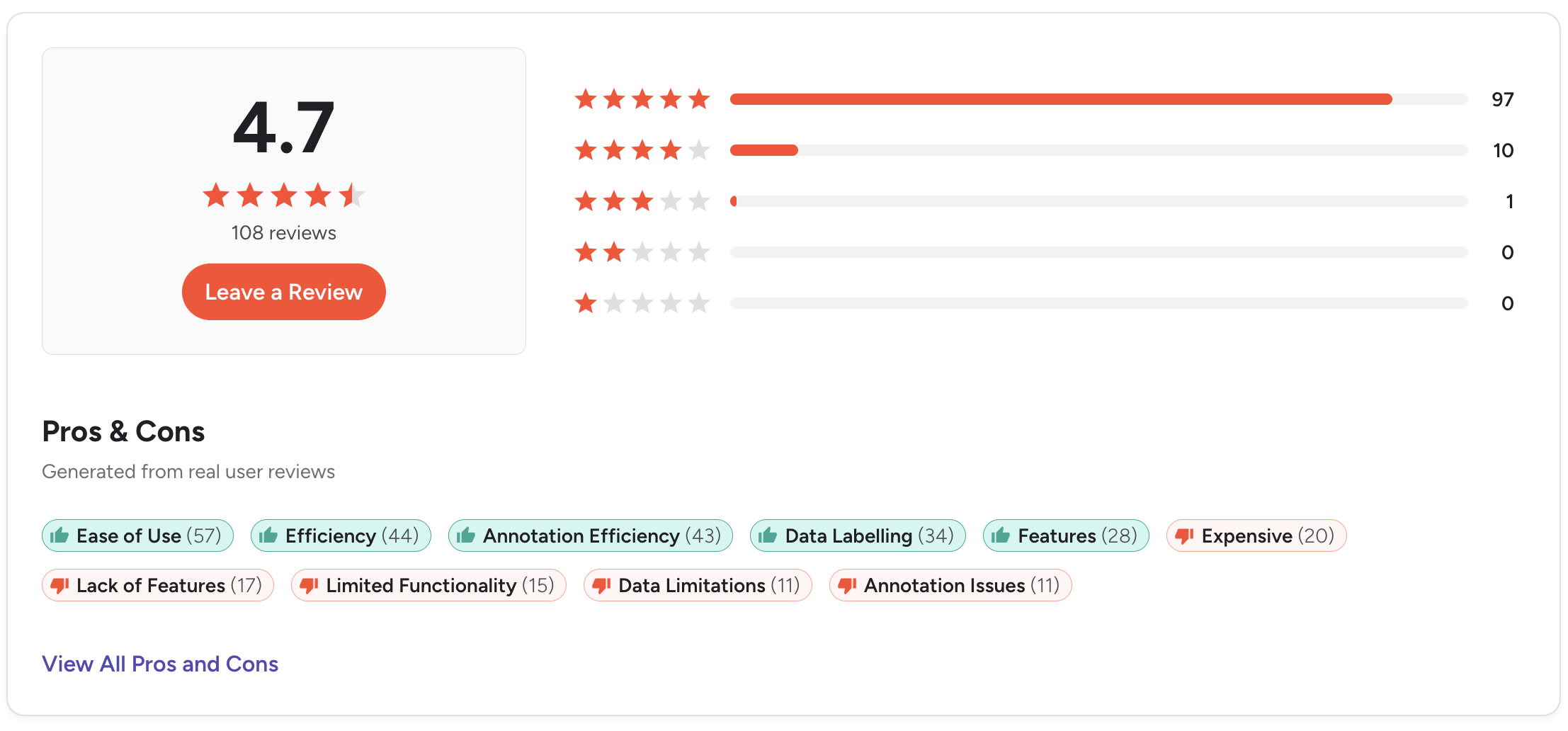
G2 Review: 4.7/5 stars. some note costs can rise at scale.
6. Encord
Encord is a comprehensive platform built for teams working on advanced, multimodal AI projects, particularly in sectors like healthcare and autonomous systems. It excels at handling diverse and synchronized data types, such as images, video sequences, DICOM medical images, and text within a single, unified workflow.
Top Features
Natively integrates cutting-edge models like SAM 2 for segmentation and GPT-4o for text-related tasks. Offers specialized toolkits for video annotation, 3D sensor fusion (LiDAR + camera), and clinical-grade medical image labeling.
Pros:
- Production-Ready for Complex Data: Provides a powerful, unified environment specifically built to handle synchronized, multimodal data (video, 3D LiDAR, medical images) at scale for high-stakes industries.
- Enterprise & Compliance Focus: Offers robust tooling and security features necessary for production and regulated environments, such as clinical-grade labeling and support for standards like HIPAA compliance.
- Cutting-Edge Model Integration: Natively integrates advanced foundation models (e.g., SAM 2, GPT-4o) directly into the annotation workflow to automate and accelerate labeling for complex tasks.
Cons:
- Steeper Learning Curve: Its power and specialization for complex, multimodal data mean it can be more involved to set up and master than simpler, single-modality annotation tools.
- Custom Enterprise Pricing: Pricing is not transparent or self-serve; it requires a custom quote based on specific needs, which can be a barrier for smaller teams or projects with limited budgets.
- Specialized & Potentially Overkill: While excellent for its target use cases in healthcare, AVs, and robotics, its extensive features may be unnecessary and complex for teams with standard image annotation requirements.
Best For: Advanced AI teams in healthcare, autonomous vehicles, and robotics that require robust tooling for synchronized video, 3D point clouds, or medical imaging data.
Pricing: Custom enterprise pricing based on specific data needs.
G2 Review: 4.7/5 stars. Praised solution for advanced computer vision. Some note the initial setup and complexity as a consideration.
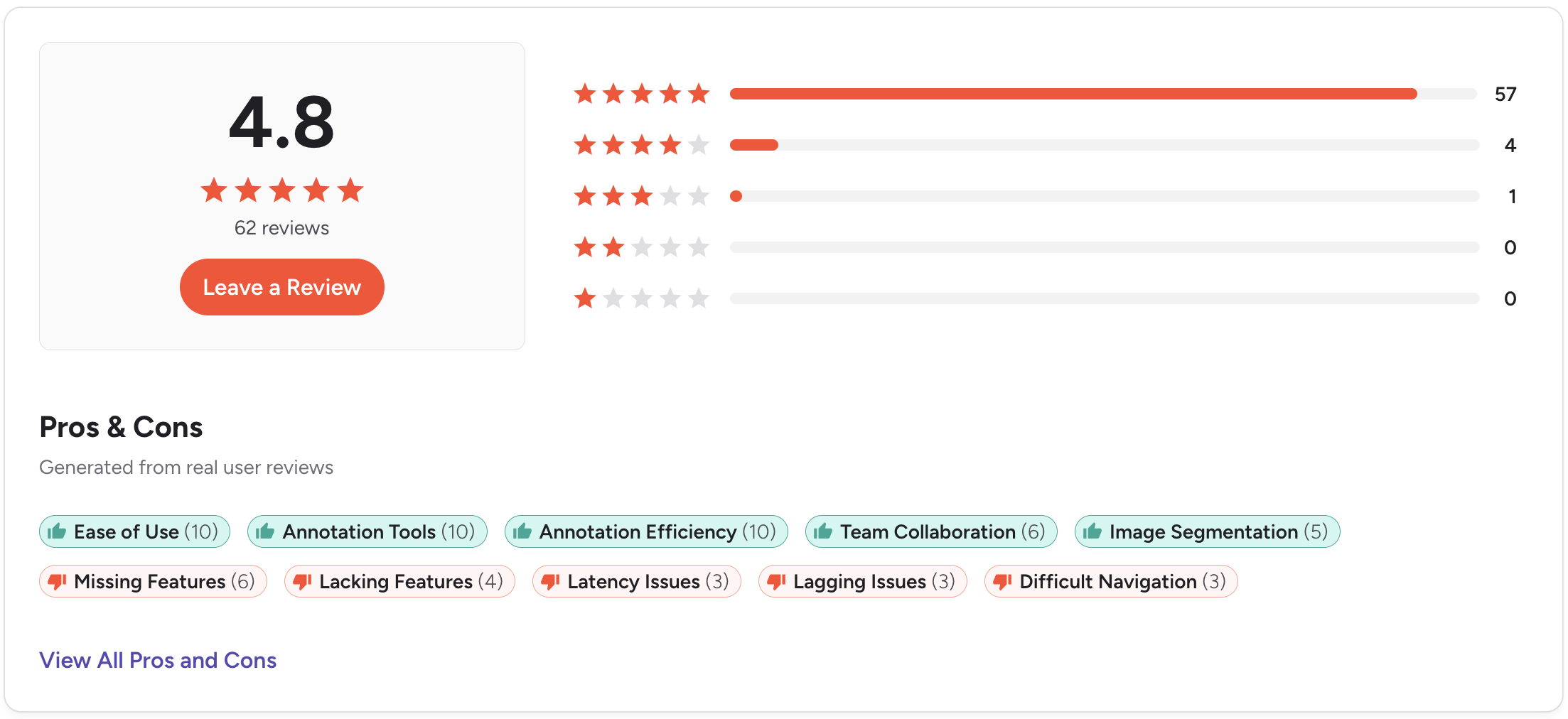
G2 review 4.8 out of 5. Check the detailed review here.
7. Dataloop

Dataloop provides a fully integrated data management and annotation platform with AI-assisted labeling tools.
The platform is designed for handling large-scale, complex datasets and includes collaboration features to streamline project workflows.
Top Features:
• AI-driven auto-annotation
• Workflow automation and collaboration tools
• Supports image, video, and text data
• End-to-end data management solutions
• Human-in-the-loop quality control
Pros:
• Ideal for complex, large-scale projects
• Strong data management and collaboration features
• AI-powered labeling increases efficiency
Cons:
• Can be overwhelming for smaller teams
• Higher learning curve for new users
Best For: Enterprises needing an end-to-end solution for data annotation and management with AI integration.
Pricing: Custom pricing based on usage and project size.
G2 Review: Dataloop is praised for its flexibility and robust feature set, but some users find the platform difficult to navigate initially.
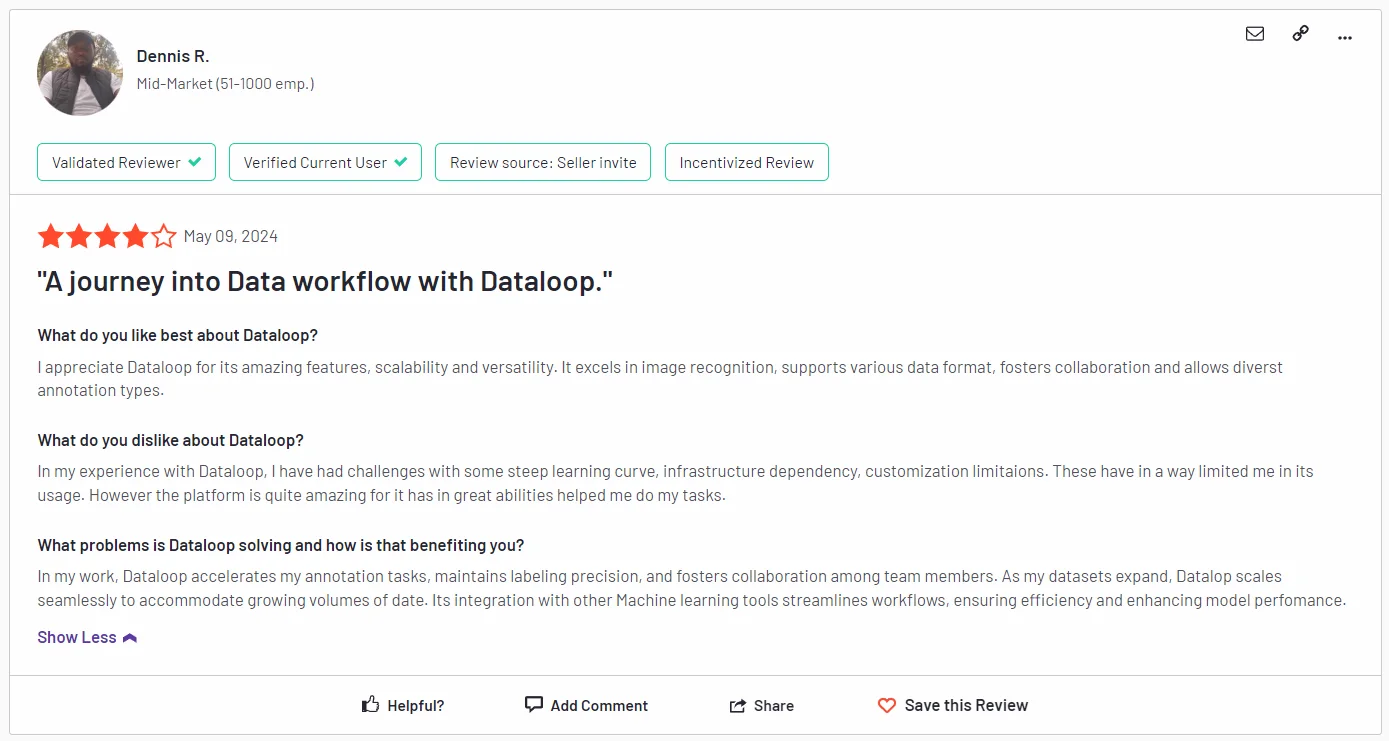
You can check the full review here.
8. Hive

Hive offers a wide range of AI solutions, including an annotation platform that provides automated and manual labeling services for industries like entertainment, autonomous vehicles, and retail.
Its automation tools are particularly strong for large-scale image and video annotation tasks.
Top Features:
• Automated annotation for images and videos
• Human-in-the-loop for quality assurance
• Real-time feedback and collaboration
• Scalable for large projects
• Specialized solutions for industries like entertainment and retail
Pros:
• Efficient for large-scale annotation tasks
• Strong automation tools
• Good collaboration features
Cons:
• Limited flexibility for smaller teams or non-visual data
• Pricing can be high for smaller projects
Best For: Enterprises handling large-scale image and video annotation tasks, particularly in entertainment and retail sectors.
Pricing: Custom pricing based on project needs.
G2 Review: Hive is praised for its automation tools and efficiency in handling large datasets, though some users mention it can be pricey for smaller organizations.
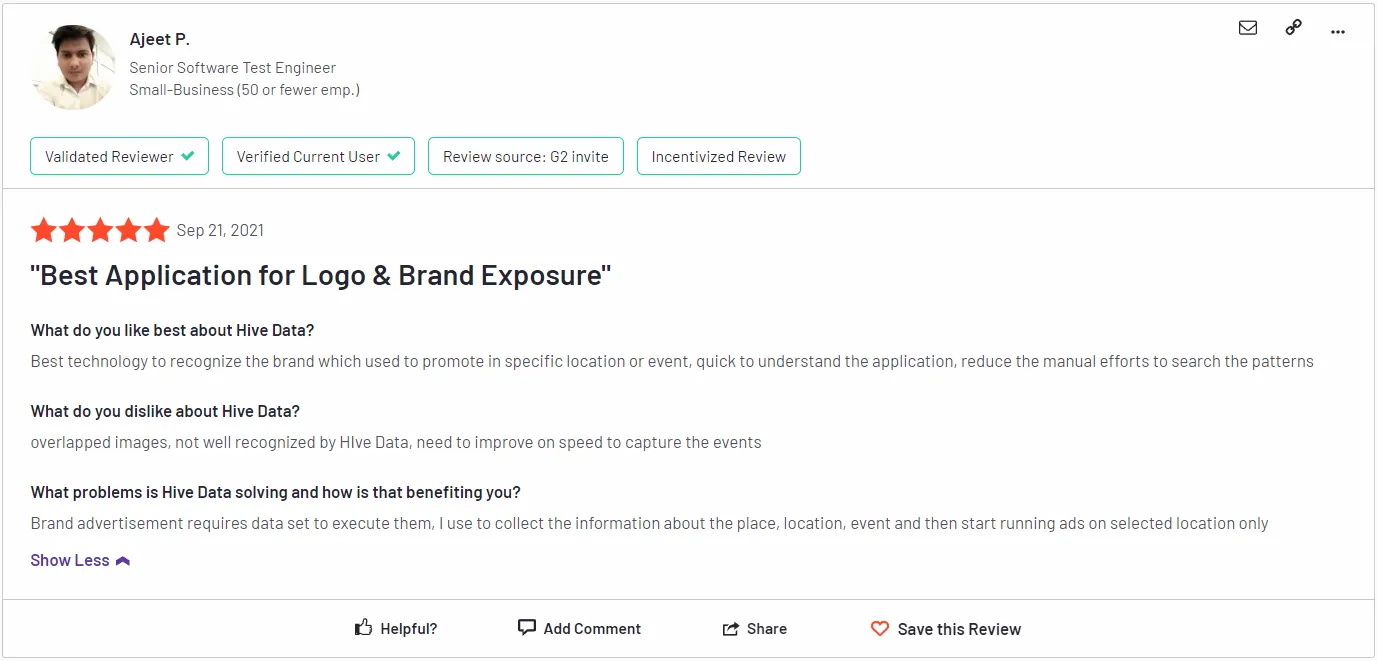
You can read the full review here.
9. Diffgram

Diffgram is an open-source data annotation platform that allows teams to label data directly within their machine-learning pipelines.
It offers both auto-labeling and manual annotation options, providing flexibility for a wide range of data types.
Top Features:
• Open-source platform
• Auto-labeling and manual annotation options
• Supports image, video, and text annotation
• Integration with ML workflows
• Real-time feedback and collaboration
Pros:
• Free and open-source
• Highly customizable for technical users
• Integrates with ML pipelines
Cons:
• Requires technical knowledge for setup
• Limited support for non-technical users
Best For: Technical teams looking for a customizable, open-source solution that integrates directly with machine learning pipelines.
Pricing: Free and open-source.
G2 Review: Diffgram is appreciated for its flexibility and customizability, though it’s best suited for teams with technical expertise.
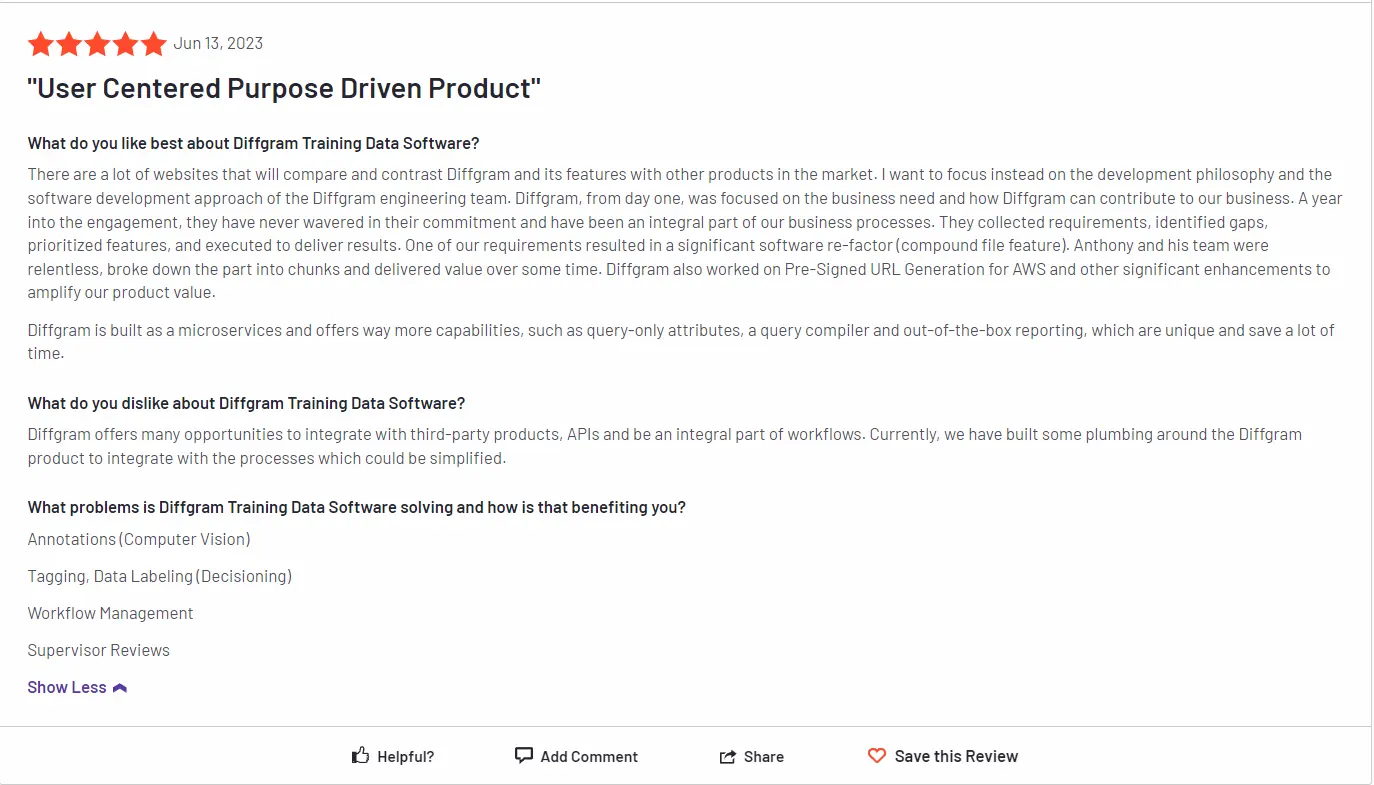
You can check the full review here.
10. Annotate

Annotate is a data labeling tool that provides high-quality annotations for machine learning models.
Its AI-powered annotation system and human-in-the-loop processes ensure accuracy and efficiency across various data types, including images, text, and videos.
Top Features:
• AI-powered annotation for images, text, and video
• Human-in-the-loop for quality control
• Real-time project tracking and feedback
• Integration with machine learning models
• Customizable workflows
Pros:
• Easy-to-use interface with customizable workflows
• Efficient AI-powered labeling
• Strong quality control mechanisms
Cons:
• Limited scalability for very large datasets
• Higher cost for smaller teams
Best For: Teams looking for an AI-powered annotation tool with strong quality control and customization options.
Pricing: Custom pricing based on project needs.
Gartner Review: Annotate receives positive reviews for its ease of use and flexibility, though users note that pricing can be a concern for smaller projects.
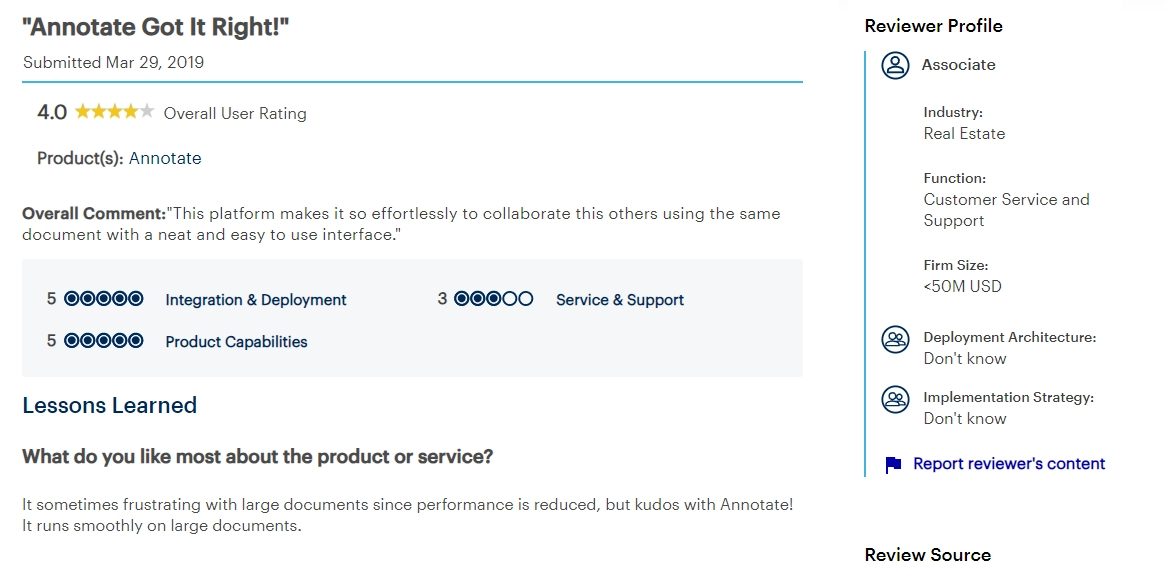
You can read the full review here.
11. Alegion
Alegion offers AI-driven data annotation services, focusing on high-quality labeling with a human-in-the-loop system.
It supports complex data types like 3D point clouds and is commonly used in industries such as automotive, healthcare, and finance.
Top Features:
• AI-powered and human-in-the-loop annotation
• Supports complex data types (3D point clouds)
• Scalable for enterprise needs
• Advanced quality control tools
• Workflow automation and management features
Pros:
• High-quality annotations with AI and human input
• Suitable for complex datasets like 3D point clouds
• Scalable for large enterprises
Cons:
• Expensive for smaller businesses
• Focused more on specific industries
Best For: Large enterprises handling complex datasets in industries like automotive and healthcare.
Pricing: Custom pricing based on project size and data complexity.
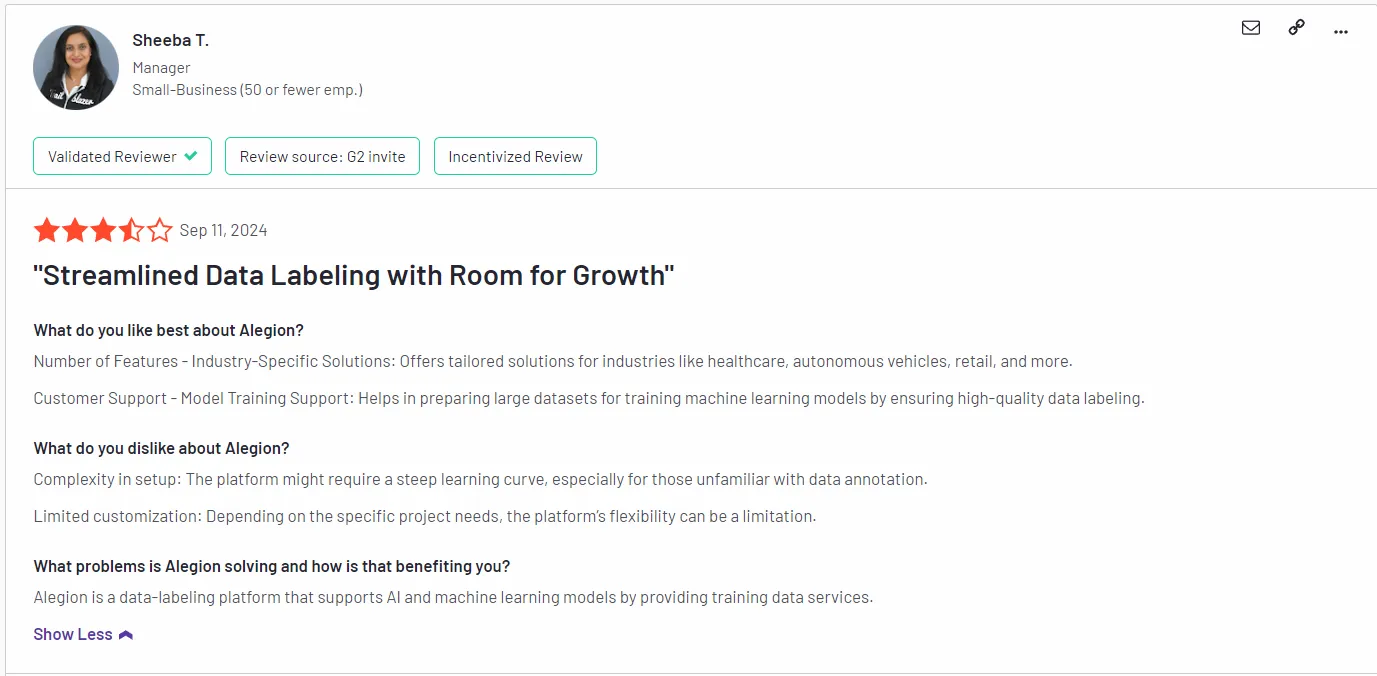
G2 Review: Alegion is praised for its ability to handle complex datasets with high accuracy, though some users mention that the platform can be costly for smaller projects.
You can read the full review here.
12. Playment
Playment is a comprehensive data annotation platform that offers auto-labeling features and a range of annotation tools.
Playment is a data annotation platform designed for industries such as autonomous vehicles, robotics, and e-commerce. It offers AI-assisted labeling tools for 2D and 3D data and provides human-in-the-loop features to ensure high-quality annotations.
Top Features:
• AI-assisted labeling for 2D and 3D data
• Workflow automation for large-scale projects
• Human-in-the-loop for quality control
• Supports industries like robotics and autonomous vehicles
• Real-time feedback and project management
Pros:
• Strong automation for 2D and 3D data
• Ideal for large-scale projects in specific industries
• Scalable and efficient
Cons:
• Expensive for smaller teams
• Focused mainly on specific industries
Best For: Large teams working on autonomous vehicles, robotics, and other AI-driven projects that require complex data labeling.
Pricing: Custom pricing based on project size.
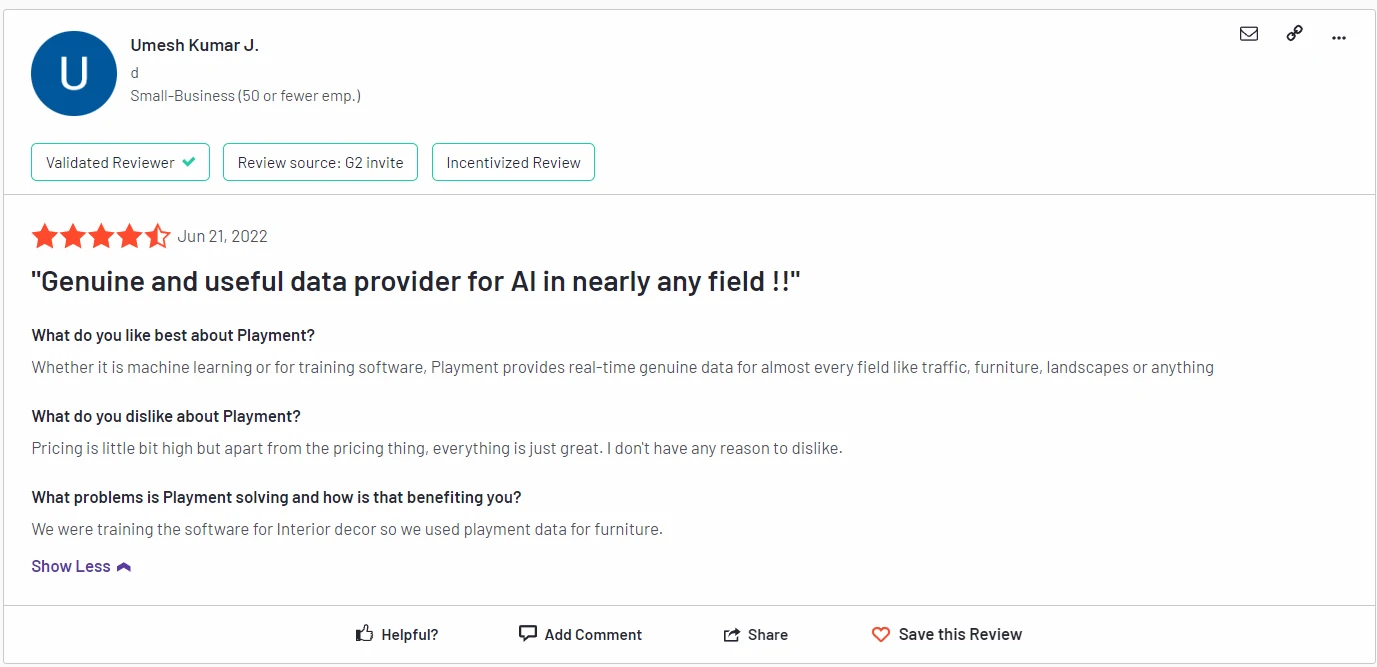
G2 Review: Playment is praised for its automation and efficiency in handling complex datasets, though some users mention that its focus on specific industries may limit its appeal to a broader audience.
You can check the full review here.
Why Labellerr is the Best Labeling Tool for Your Team
If you want a labeling tool that saves time and helps you deliver better AI results, Labellerr is your best choice.
- Begin any labeling project in minutes-no complex setup.
- Use its AI-powered auto-labeling tool to pre-label images, videos, or text, so your team spends less time on manual work.
- Labellerr adapts to your industry and data, whether you work in healthcare, retail, or self-driving cars.
- Invite your team and work together in real time. Everyone stays updated, and feedback is fast.
- Reduce costs with automation and clear pricing. No hidden fees.
- Connect Labellerr to your machine learning pipeline for smooth workflow.
Transform your AI and ML project with Labellerr’s advanced auto-labeling tool. Save time, reduce costs, and achieve unmatched accuracy with our platform. Start annotating images, videos, or text today—Try Labellerr’s auto-labeling! Get Started Now
Conclusion
So, these are some of the most advanced and powerful data annotation platforms with auto-labeling tools, which can help you label your data faster and more accurately.
While each data annotation platform has unique features and strengths, they all provide excellent solutions for data labeling tasks.
Ultimately, the choice of which platform to use will depend on your specific requirements and budget.
It is essential to evaluate the different options carefully and choose a platform that best suits your needs.
With the right data annotation platform and auto-labeling features, you can streamline your machine-learning projects and achieve faster, more accurate results. Read our other listicles:
1. Top 10 Best Video Annotation & Labeling Tools
2. Top 10 Best Image Labeling & Annotation Tools
FAQs
- What is auto-labeling in a data annotation platform?
An auto-labeling tool, a feature also known as automatic or assisted labeling, uses machine learning algorithms in data annotation platforms that utilizes machine learning algorithms to automatically generate annotations for certain types of data, reducing the need for manual labeling by humans.
2. How does auto-labeling work?
Auto-labeling algorithms analyze existing labeled data to learn patterns and correlations.
Once trained, the algorithms can apply these learned patterns to new, unlabeled data, generating predictions or annotations based on their understanding.
3. What are the benefits of using an annotation platform with auto-labeling?
Using an annotation platform with auto-labeling can significantly speed up the data labeling process, reduce costs, and improve consistency in annotations.
It allows human annotators to focus on more complex or ambiguous cases, while repetitive or straightforward annotations can be automated.
4. What factors to consider when choosing the best data annotation or labeling platform with auto-labeling?
When selecting an annotation platform with auto-labeling, consider factors such as the platform's accuracy in auto-labeling, the types of data it supports, ease of integration into your existing workflow, scalability, security features, and the overall cost of the platform.
5. Is data privacy a concern with auto-labeling?
Yes, data privacy is a critical consideration when using auto-labeling features. Ensure that the platform complies with relevant data protection regulations and has measures in place to safeguard sensitive data.

Simplify Your Data Annotation Workflow With Proven Strategies
.png)